On this page:


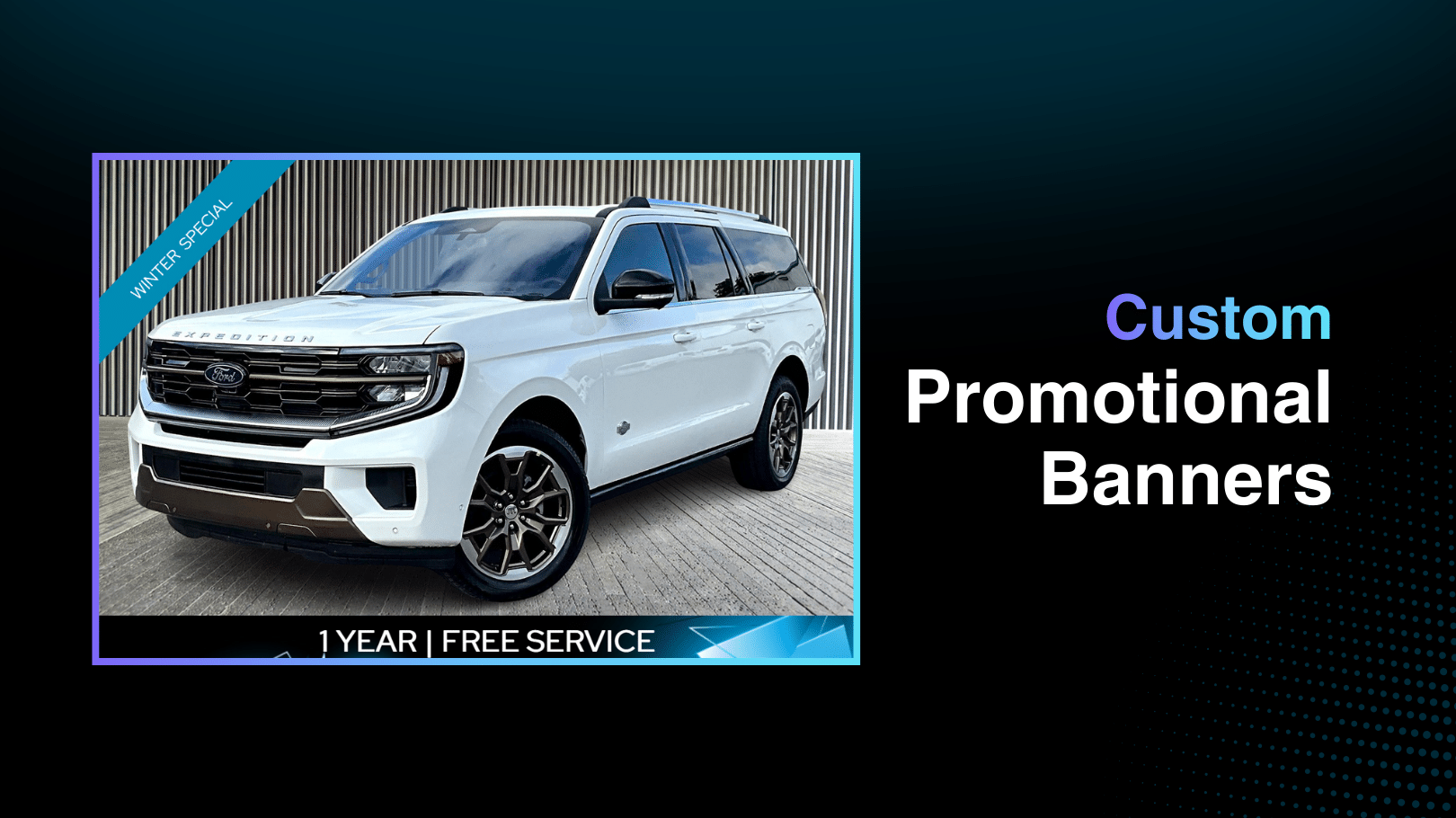
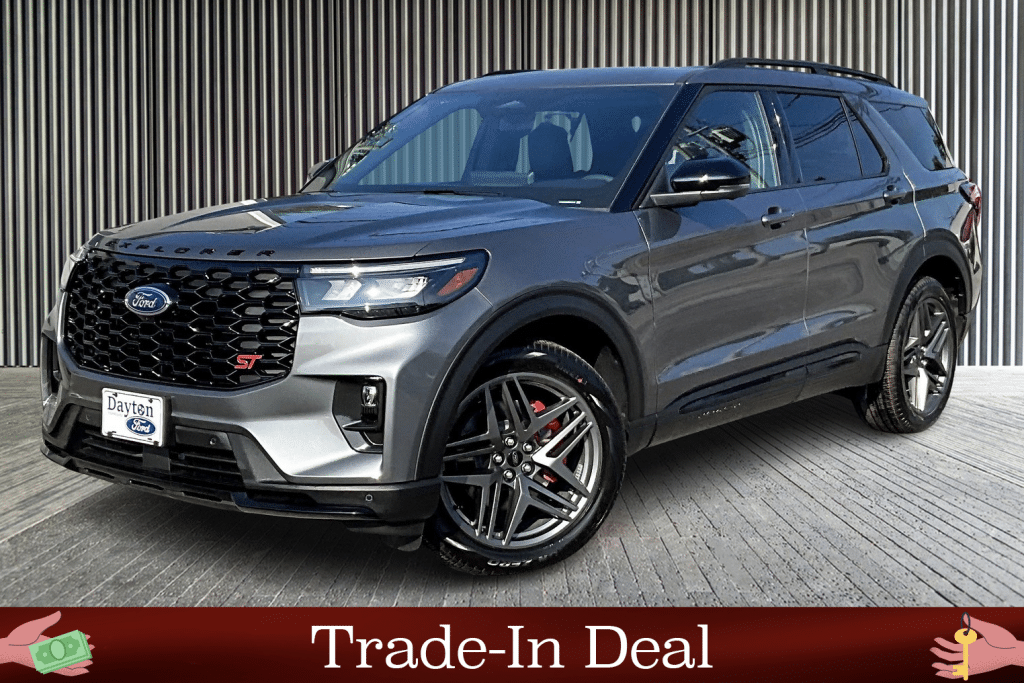
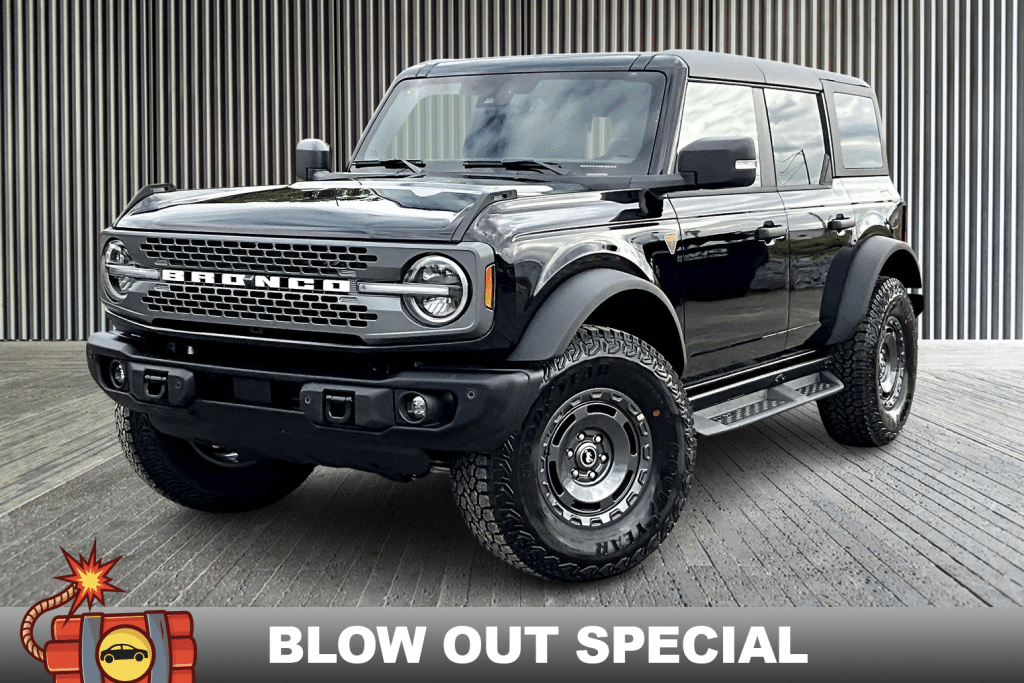
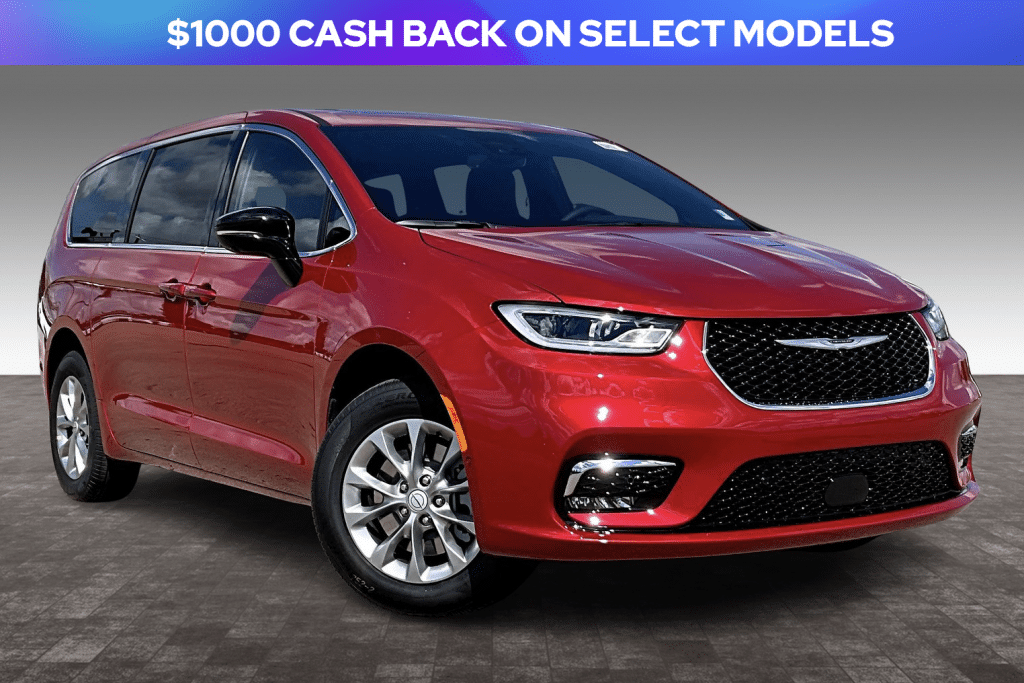
Promo Banners help dealerships highlight specials, promotions, and key messaging right on inventory photos making your featured vehicles impossible for online shoppers to ignore.
This powerful tool is part of the Autoport® merchandising ecosystem from Dealer Image Pro™, and it’s designed to increase engagement, communicate value, and drive more traffic to your listings with minimal effort.
What Are Promo Banners?
Promo Banners are customizable graphical overlays that display promotional messaging directly on vehicle images used throughout your website and inventory feeds. With Autoport®, dealers can build, schedule, and automate how banners apply to photos based on rules like vehicle type, make/model, or specific VINs — saving hours of manual editing while improving online visibility.
Built for Maximum Customization
Promo Banners come with a fully adjustable system to create attention-grabbing visuals for any promotion.
Default Banner Library
Choose from a selection of preset banners and graphic styles. Default options automatically position at the top of photos, and text can be edited and dragged to precisely where you want it displayed.
Custom Fonts & Colors
- Upload your own fonts in .ttf format (e.g., nameoffont.ttf)
- Select from additional fonts and color palettes in the system library
- Use solid colors or three-color gradients with custom angles
This flexibility makes it easy to match dealership branding while drawing attention to key offers.
Two Banners Per Template
You can apply up to two banners per Promo Banner template — either two default designs, two custom banners, or one of each. If more than two are added, the system displays a warning to keep your layout clean and effective.
Smart Application & Scheduling
Promo Banners are designed to adapt with your inventory and marketing calendar.
Apply Banners Across Inventory
Dealers can assign banners based on:
- Vehicle type (NEW or USED)
- Make, Model, and Year
- Specific VINs
- Custom filtered lists
Banners can be applied to the first photo, all photos, or specific selected photos through the composition menu. Selecting the Inventory Vehicles checkbox applies banners automatically across all filtered units.
Quick Adjustments Per Vehicle
Need to add or remove a banner for an individual unit? In the Inventory Gallery, click the gear icon next to a unit to manage banners at the vehicle level.
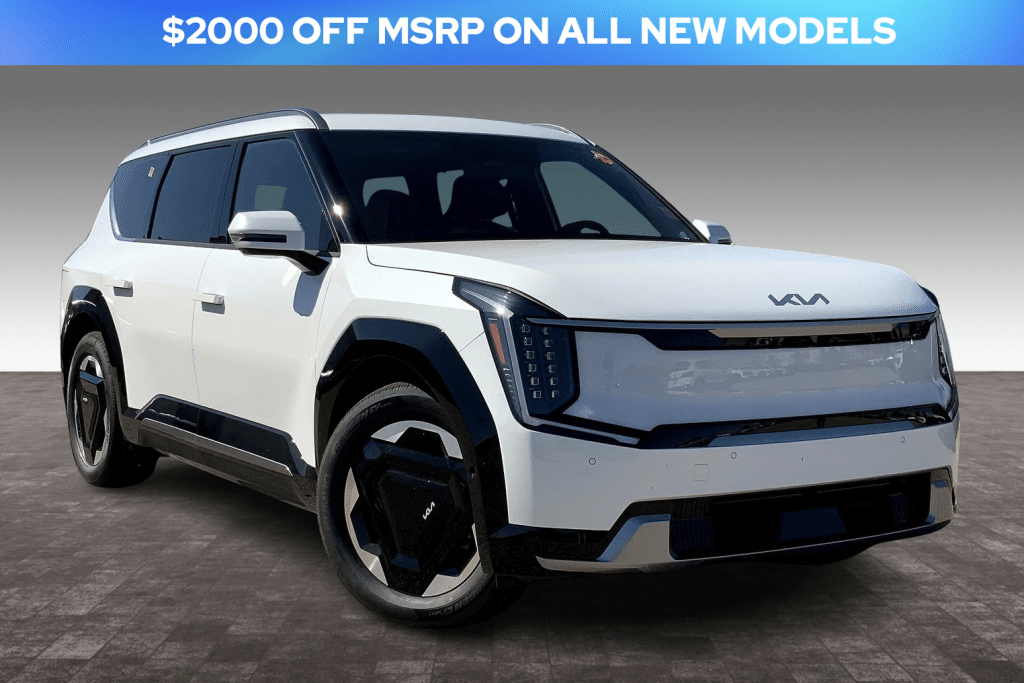
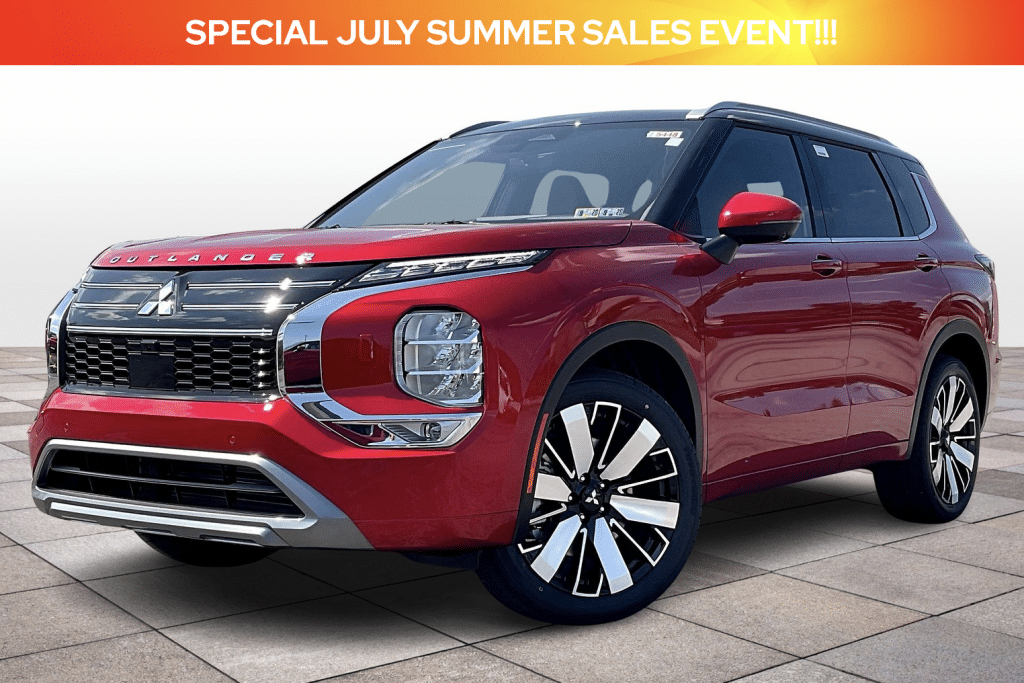
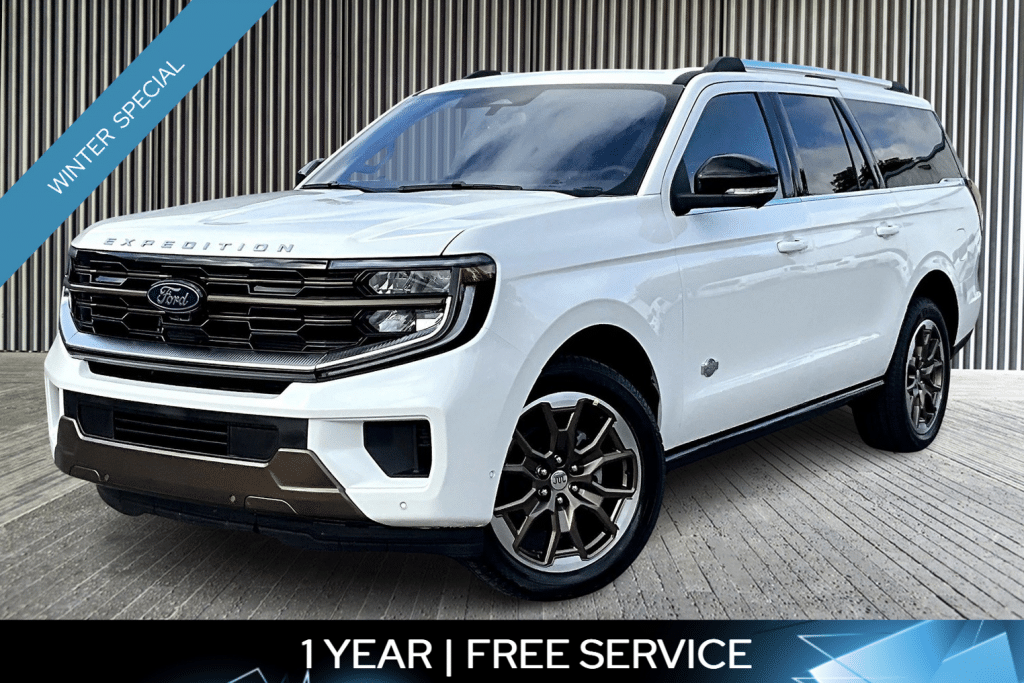
Promo Duration & Automation
Take the manual work out of managing promotions with flexible scheduling options.
Set When Banners Start and End
Dealers can determine:
- Start date and end date for banner display
- Banners that expire automatically at midnight PST
- Banners with No End Date (remain active until manually removed)
Auto Apply to New Listings
Configure banners to automatically attach to new vehicles when photos are uploaded — perfect for “New Arrival” or “Featured Vehicle” messaging. These banners stay active for a dealership-defined duration before being removed automatically.
Priority-Based Promo Filter List
When multiple banners are scheduled, the promo filter list keeps messaging organized.
Dealers can define multiple promo banners and schedule them in priority order. Autoport® automatically applies the highest-priority active banner based on rules and date ranges, ensuring that only one banner appears at a time and your most important promotions take precedence.
This eliminates overlap and keeps your customer messaging clear and impactful.
FAQs
Are Promo Banners customizable?
Yes — dealers can edit text, upload fonts, adjust colors, and choose gradient options.
Can banners be scheduled to expire?
Yes. Promo Banners can be set with specific end dates and automatically expire at midnight PST.
Can banners apply automatically to new inventory uploads?
Yes. Auto-apply settings let you define banner duration for new listings without manual work.
How many banners can be used per template?
Each Promo Banner template supports up to two banners.