On this page:



What VIN Status Tracker Does
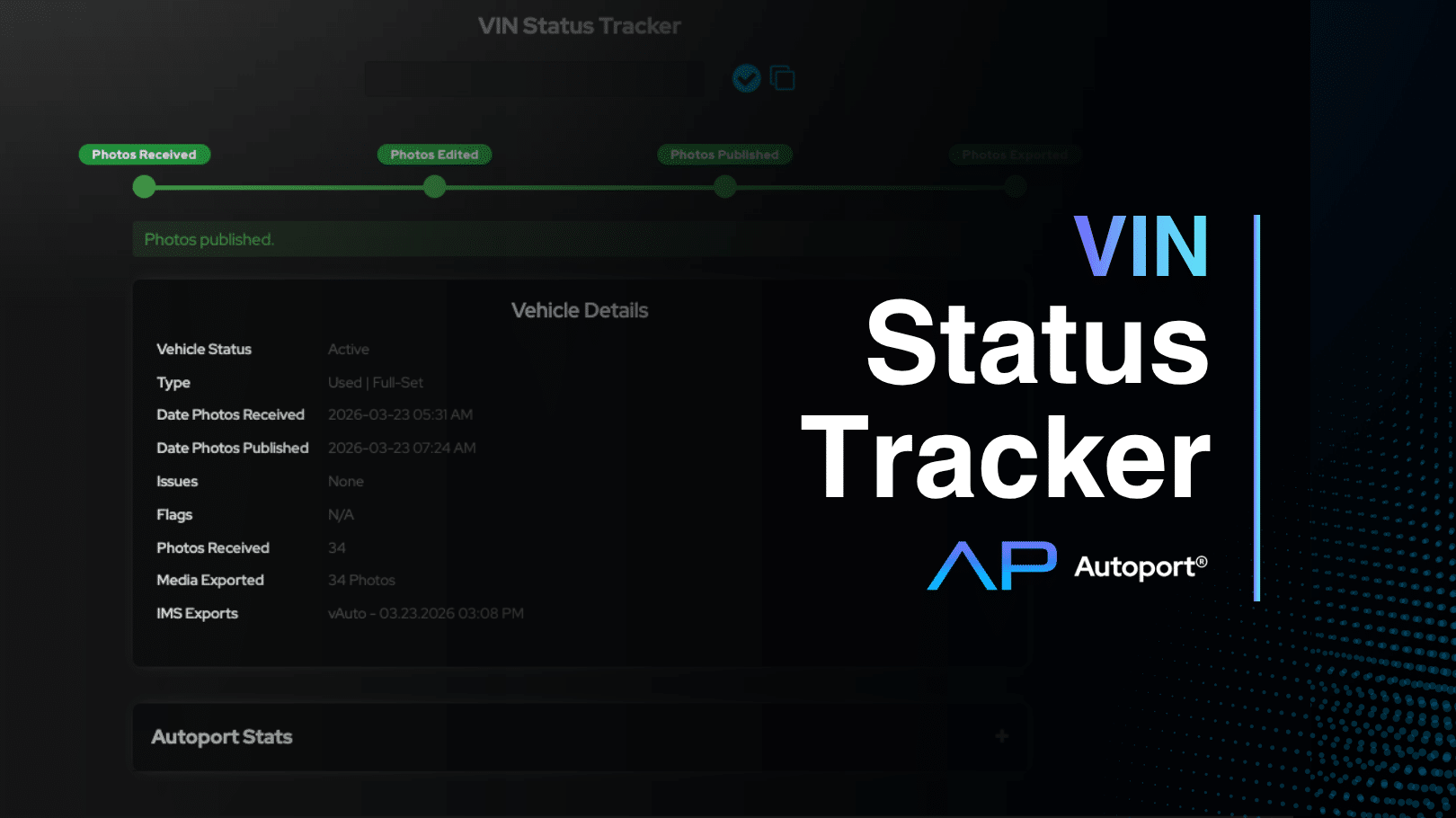
VIN Status Tracker lets you enter any VIN and immediately see where that vehicle’s photos are in the workflow. It lives directly in your Autoport® dashboard and is ready to use. No setup required.
It is a simple way to stay informed without chasing updates or checking multiple systems.
A Clear View of the Workflow
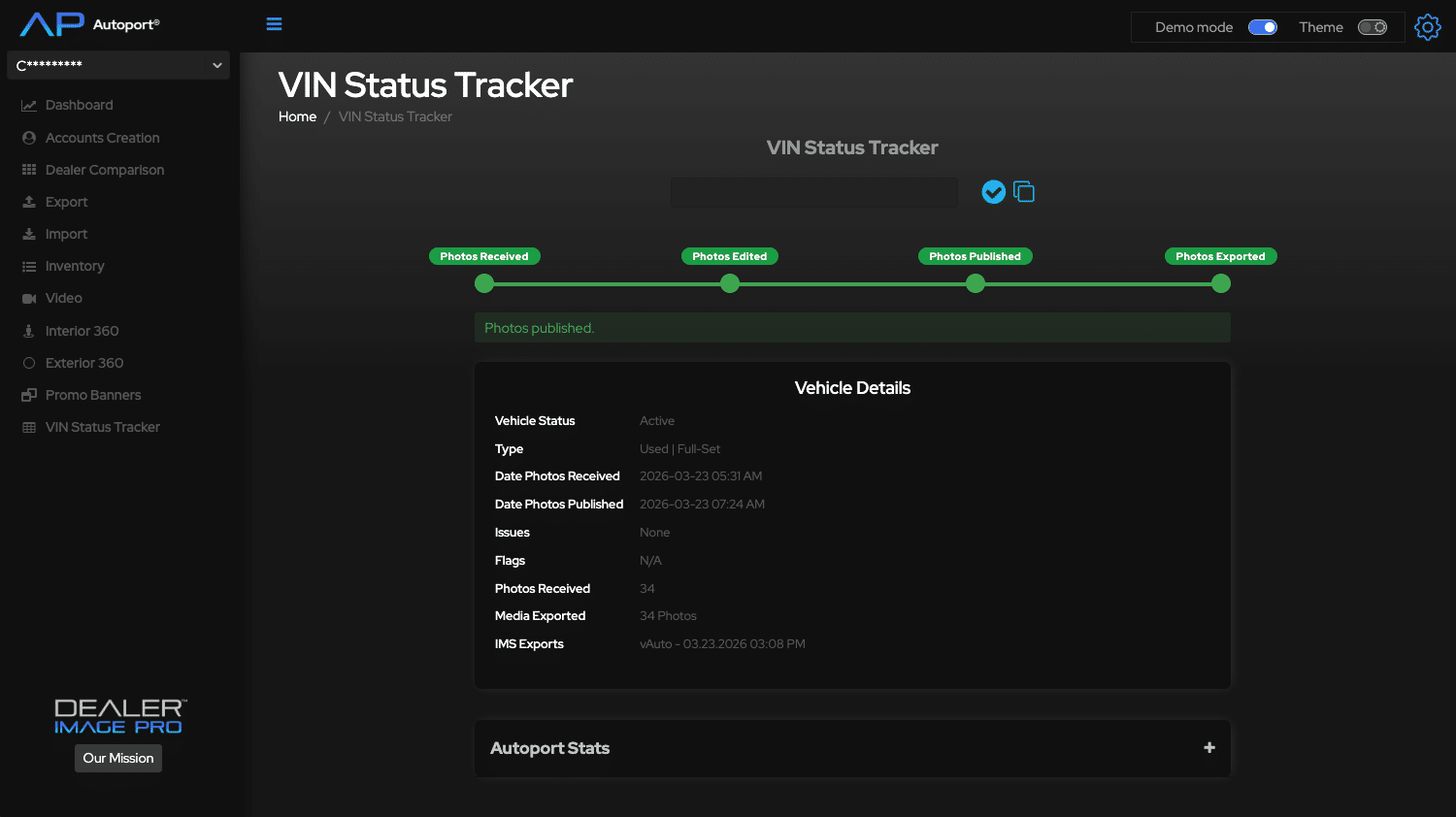
Each vehicle moves through a defined four-step process:
- No Photos Received / Photos Received
Confirms whether images have been uploaded into the system - Photos Edited
Shows editing is complete, or highlights where progress may have stopped - Photos Published
Confirms the vehicle is live and ready for shoppers - Photos Exported
Verifies images have been delivered to your IMS with a timestamp
This structure keeps your entire team aligned on what is done and what still needs attention. If something interrupts the process, VIN Status Tracker makes it visible. Publishing issues and flags appear alongside the VIN so your team can act quickly and keep inventory moving.
Why It Matters for Dealership Management
- Clarity without effort
You always know the status of your inventory without asking or waiting - Stronger accountability
Your team works from a shared, real-time view of progress - Faster time to market
Vehicles get online sooner when delays are easy to identify and fix - Better communication
Your dealership and our team stay aligned with the same information - Consistent presentation
Every vehicle follows the same path to a clean, professional listing
How to Use It
View the current status instantly
- Copy an 8, 12, or 17-character VIN (12 for boats)
- Open VIN Status Tracker in Autoport®
- Enter the VIN (stock numbers are not supported)
- View the status
VIN Status Tracker gives you control over one of the most important parts of your merchandising process. When you can see exactly where every vehicle stands, you can move faster, stay consistent, and present your inventory with confidence.