On this page:



A dealership inventory photo workflow is the process your team uses to move each vehicle from arrival to a complete online listing. The best workflows make it clear which vehicles need photos, which media has been captured, what still needs attention, and when each listing is ready to publish. A strong workflow helps your dealership avoid delays, missed shots, inconsistent photos, and incomplete listings. It also gives managers a clearer view of photo coverage and time-to-market.
What Is a Dealership Inventory Photo Workflow?
A dealership inventory photo workflow is the step-by-step process for capturing, organizing, reviewing, and publishing vehicle media.
It usually includes:
- Identifying which vehicles need photos
- Capturing a consistent photo sequence
- Adding video or 360 media when needed
- Uploading media to a central system
- Reviewing quality and completeness
- Publishing media to inventory listings
- Tracking time-to-market and photo completion
This workflow matters because inventory photography touches multiple parts of the dealership. It affects lot operations, merchandising, marketing, sales, and customer experience.
Why the Photo Workflow Breaks Down
Many dealerships do not have a photography problem. They have a workflow problem.
The photographer may be working hard, but the process around that work may be unclear. Vehicles may arrive without a clear priority. Managers may not know what has been photographed. Media may need manual handling before it can be published. Reshoots may be hard to track.
When that happens, inventory slows down.
Common workflow issues include:
- No clear list of vehicles that need media
- Manual tracking across spreadsheets or messages
- Inconsistent photo order
- Missing required shots
- Delayed uploads
- No easy way to see publishing status
- Limited reporting on time-to-market
These problems create friction. Over time, they can make your online inventory look less complete and less consistent.
What a Strong Inventory Photo Workflow Should Do
A strong dealership inventory photo workflow should help your team answer four questions quickly:
- Which vehicles need photos?
- Which vehicles are complete?
- Which vehicles need attention?
- How long does it take to get inventory published?
If your team cannot answer these questions without manual follow-up, the workflow is likely creating avoidable delays.
The goal is simple: make the next step obvious for everyone involved.
Step 1: Know What Needs to Be Photographed
The first step is visibility. Your team needs a live view of active inventory and a clear understanding of what still needs media.
Without that visibility, photographers may waste time checking vehicles manually or waiting for direction. Managers may not know which units are holding up the process.
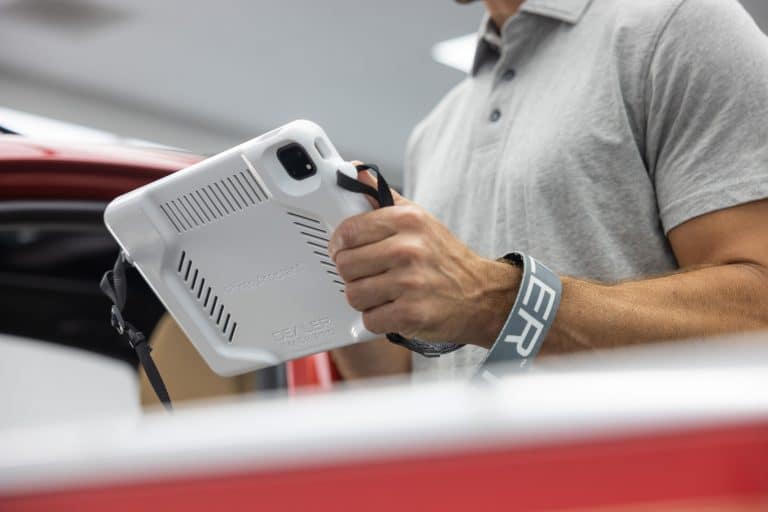
Photo Assistant supports this by keeping photographers organized with live inventory lists, VIN tracking, reshoot support, and customizable photo thresholds. That helps the person on the lot focus on the right vehicles at the right time.
Step 2: Capture Every Vehicle Consistently
Consistency is what makes your online showroom feel professional.
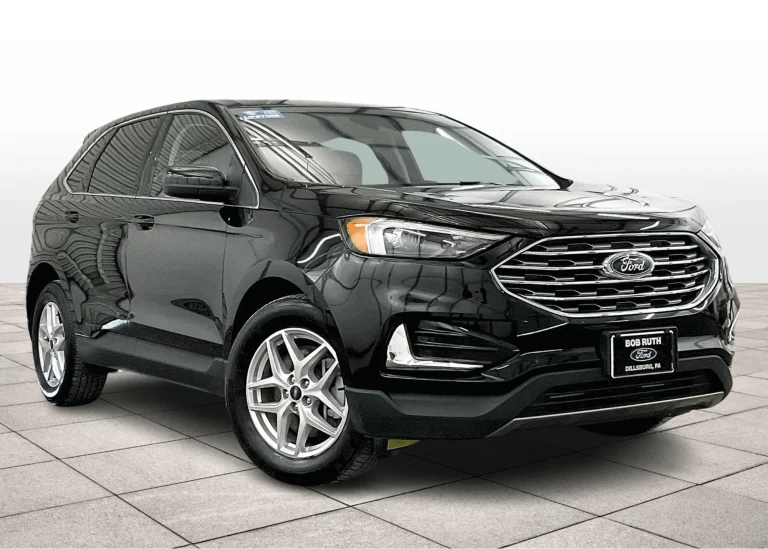
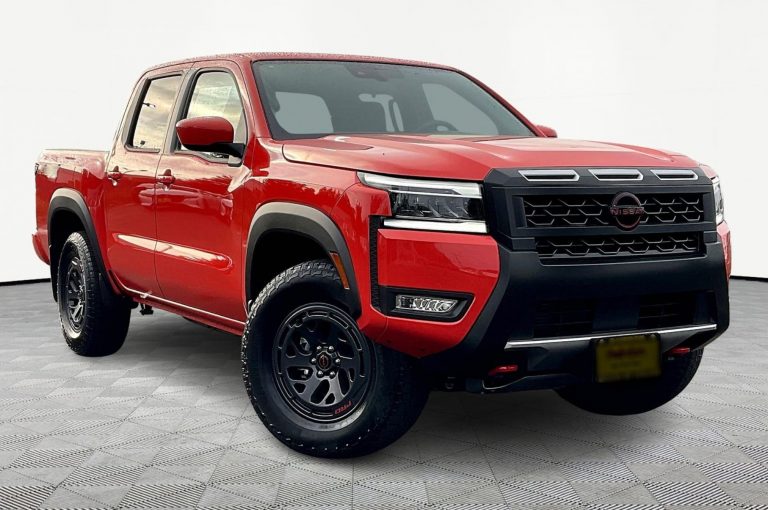
A shopper should be able to move from one listing to the next and understand the vehicle quickly. The angle, sequence, and completeness of the photos should feel familiar. That consistency helps shoppers compare inventory with less effort.
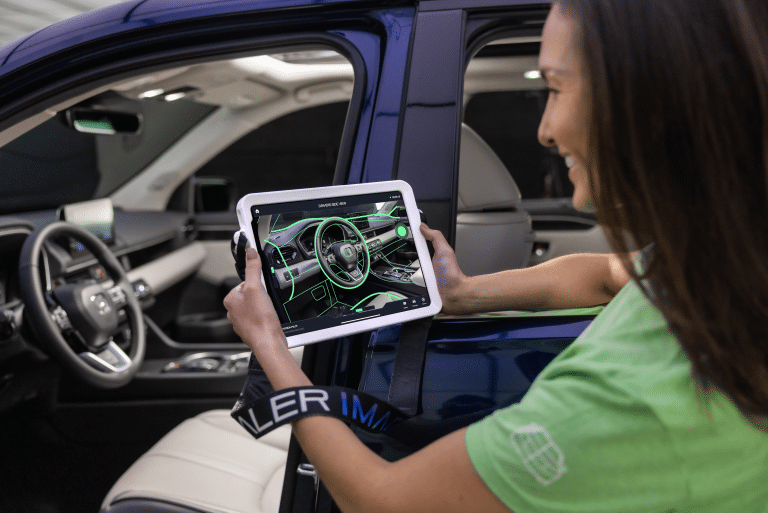
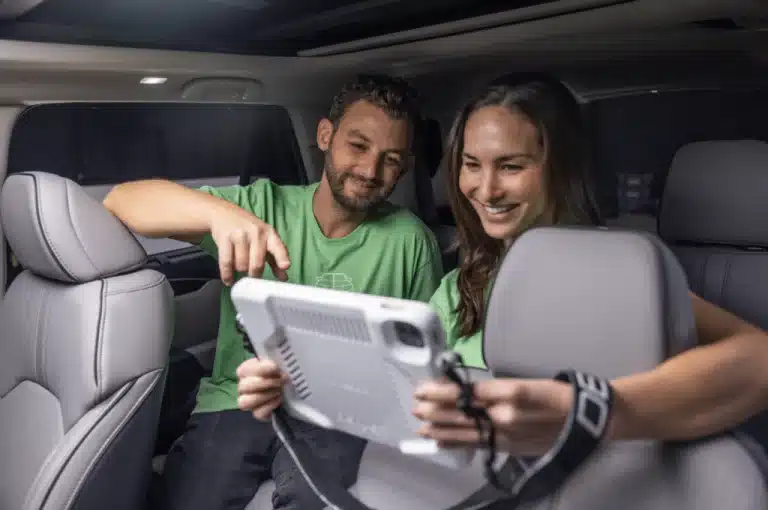
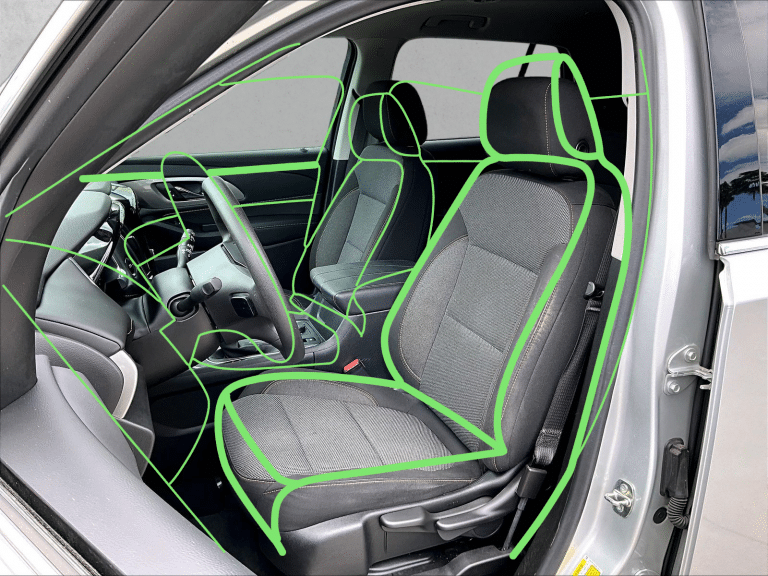
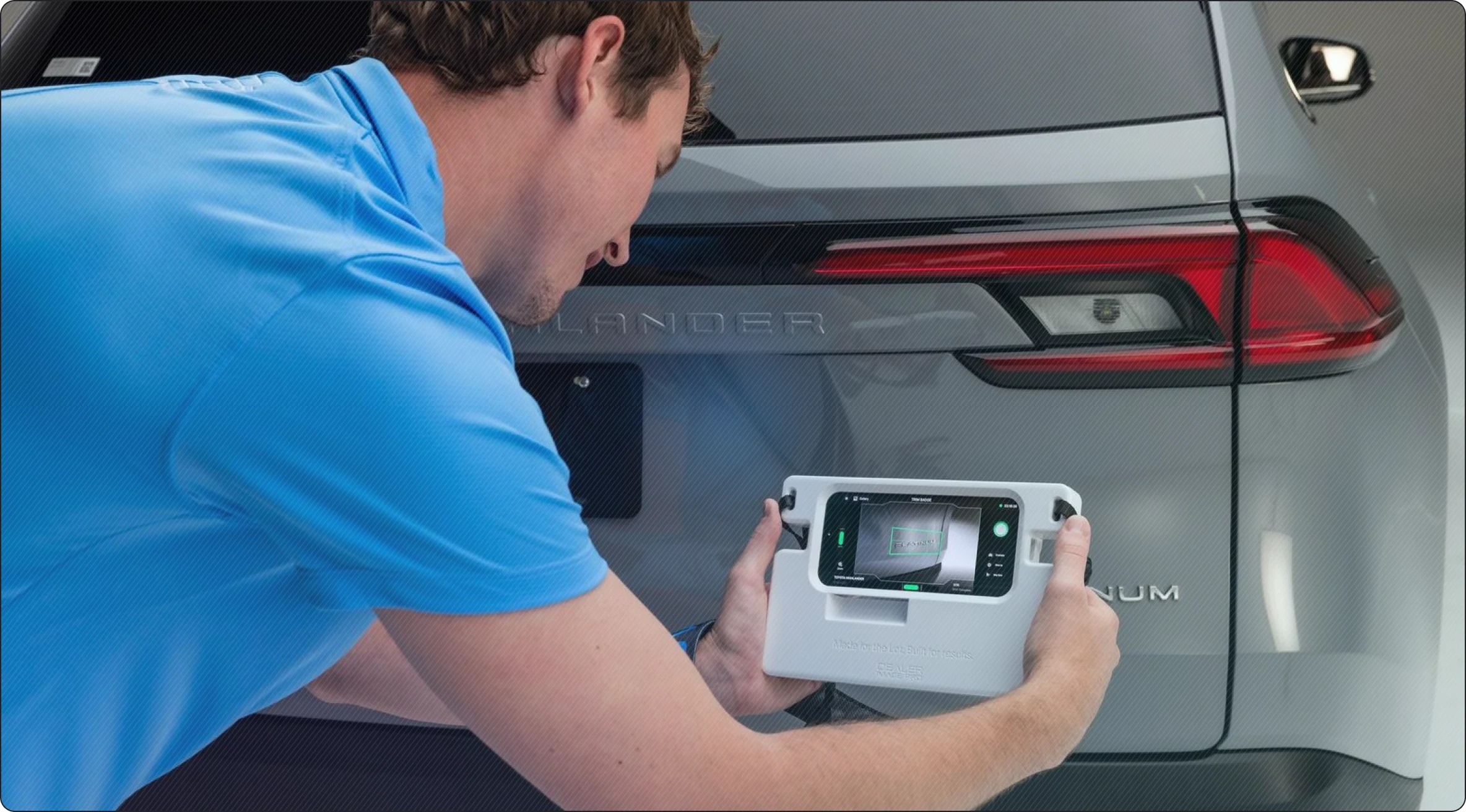
Guided capture supports this by giving photographers a clear path to follow. Dealer Image Pro’s Photo Assistant uses on-screen wireframes to guide each required shot, which reduces guesswork and helps new or experienced team members maintain the same standard.
Step 3: Upload Media Without Slowing the Team Down
After capture, the workflow should continue without unnecessary manual work.
If photos sit on a device, require manual transfer, or need extra handling before review, the process slows down. That delay affects how quickly the vehicle can be merchandised online.
Dealer Image Pro’s workflow sends captured photos, videos, and 360 content into Autoport. From there, media can be enhanced, sequenced, quality checked, optimized, and prepared for publication.
The benefit is clear: your team captures the vehicle once, then the system helps move the media through the next steps.
Step 4: Track Progress From the Desktop
Managers need visibility. They should not have to walk the lot, search through messages, or ask for updates just to know whether a vehicle is ready.
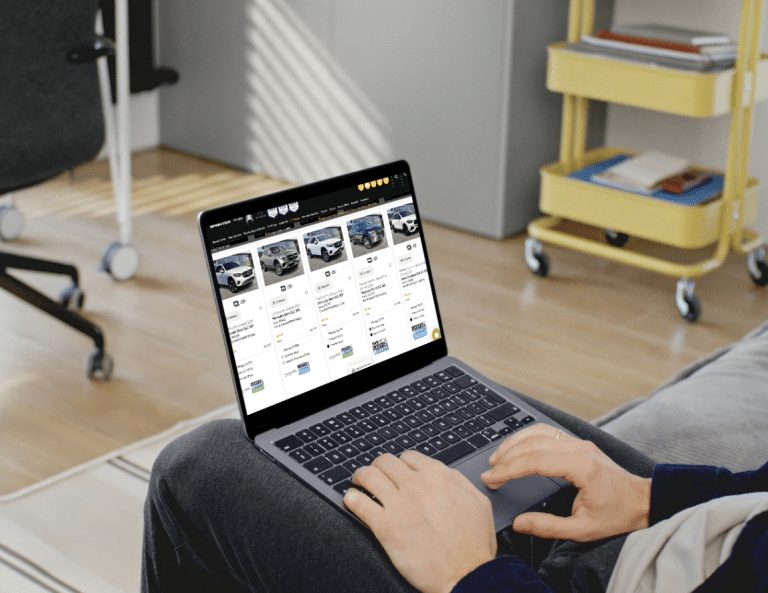
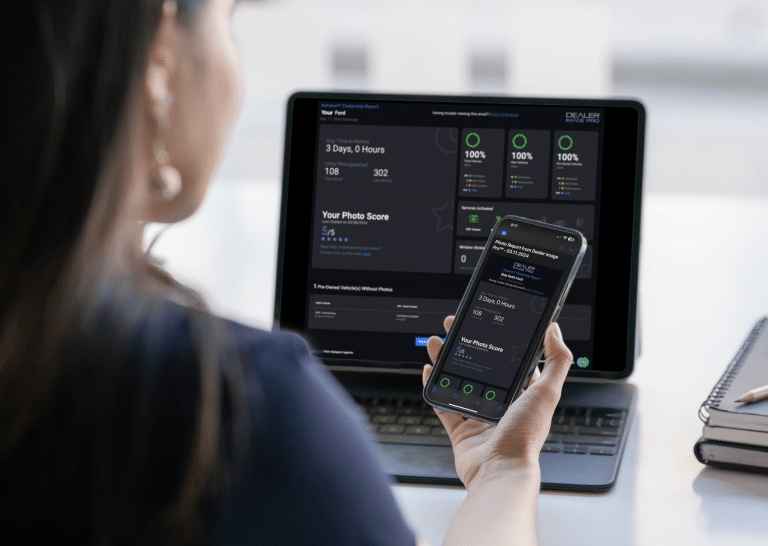
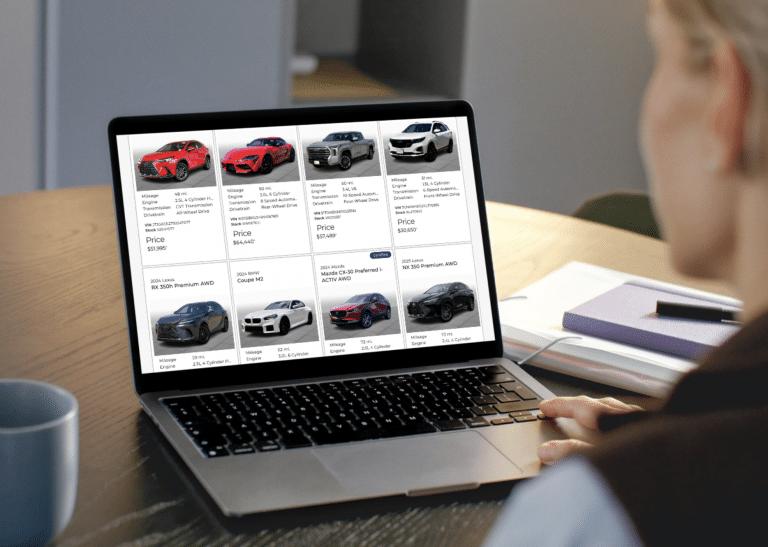
Autoport gives dealership teams a desktop platform to manage vehicle photos, videos, and publishing activity. It shows which vehicles have been photographed, which media has been published, and what still needs attention.
That visibility helps managers keep the process moving. It also helps the dealership spot recurring delays before they become bigger merchandising problems.
Step 5: Measure Time-to-Market
A workflow is easier to improve when it can be measured.
Time-to-market tracking helps your dealership understand how long it takes for a vehicle to go from arrival to a complete online listing. This can show whether your photo process is improving, where delays are happening, and which stores or teams may need support.
Autoport® includes time-to-market tracking, along with reporting on inventory media coverage and photo completion rates. These insights can help managers make better decisions about staffing, process, training, and accountability.
Step 6: Use Better Media to Improve the Shopper Experience
A complete photo workflow should support more than basic exterior shots. Shoppers want to understand the vehicle before they visit. Photos, videos, 360 views, window stickers, and promotional content can all help make the listing more useful.
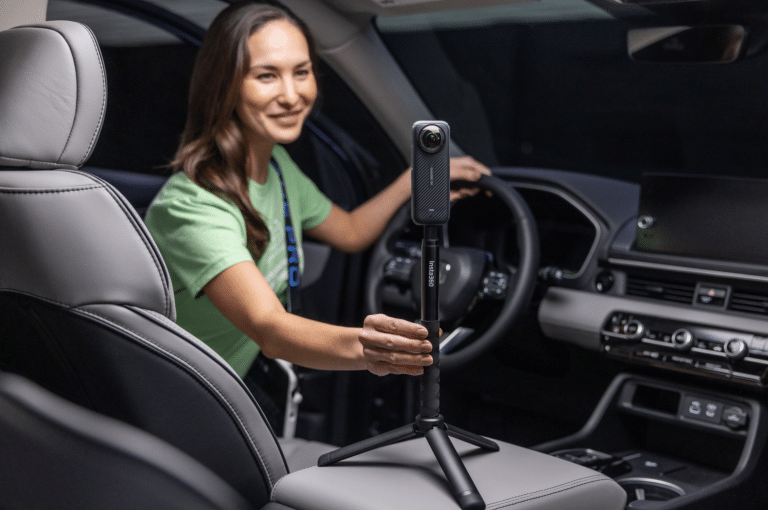
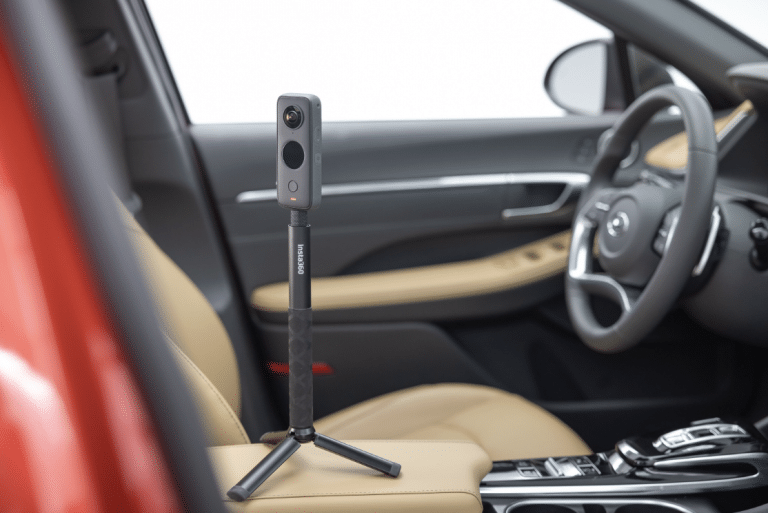
Photo Assistant™ supports photos, videos, and 360 content, including compatible Insta360 and RICOH cameras. Dealer Image Pro also supports window stickers and other merchandising tools that help listings feel more complete. The goal is not to add complexity. The goal is to give buyers the information and confidence they need to move forward.
What Dealerships Gain From a Better Photo Workflow
A stronger dealership inventory photo workflow can help your store:
- Reduce missed vehicles
- Improve photo consistency
- Get listings online faster
- Give managers better visibility
- Support cleaner VDP and SRP presentation
- Improve buyer confidence
- Create a repeatable process across one or many rooftops
For multi-store groups, consistency becomes even more important. A repeatable workflow helps every location meet the same merchandising standard without depending on one person’s memory or preferences.
Conclusion
A dealership inventory photo workflow should make inventory media easier to capture, track, review, and publish. When the process is clear, your team can move faster and maintain a more professional online showroom.
Dealer Image Pro’s Photo Assistant™ and Autoport work together to support that process from lot capture to desktop management. The result is a cleaner workflow, stronger visibility, and inventory that reaches shoppers with more confidence.
Want a cleaner way to capture, track, and publish inventory media? Book a Dealer Image Pro demo to see how Photo Assistant and Autoport support your dealership workflow.
FAQs
What is a dealership inventory photo workflow?
It is the process a dealership uses to capture, upload, review, manage, and publish vehicle photos, videos, and other inventory media.
Why is a dealership inventory photo workflow important?
It helps vehicles get online faster, reduces missed photos, improves consistency, and gives managers a clearer view of merchandising progress.
What causes delays in dealership photo workflows?
Delays often come from unclear vehicle priorities, manual tracking, inconsistent capture standards, slow uploads, missing reshoots, and limited visibility into publishing status.
How can dealerships make inventory photography more consistent?
Dealerships can use guided shot sequences, standard photo requirements, wireframe capture guidance, quality checks, and reporting to keep every listing aligned.