On this page:




Before You Drop the Price, Look at the Listing
Every dealership knows the feeling. A unit crosses 45 days, the aging report turns red, and the first instinct is to knock a few hundred dollars off and hope it moves.
Sometimes that’s the right call. But often, the price isn’t the problem. The listing is.
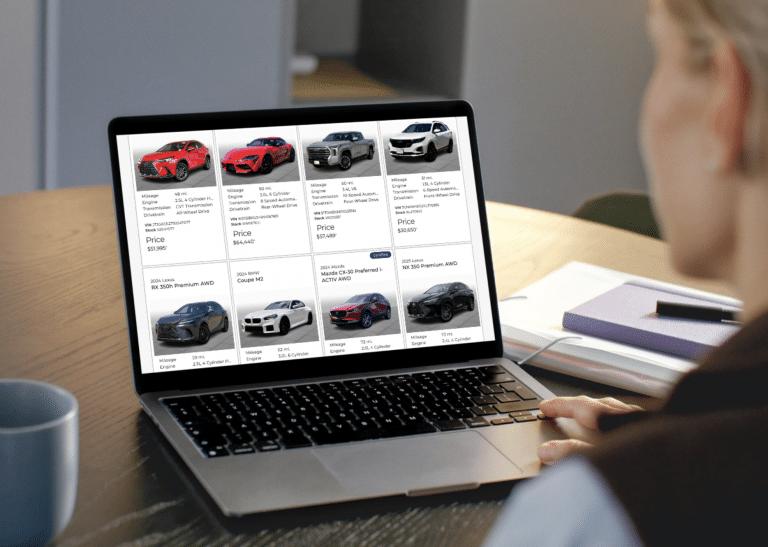
Shoppers don’t see your car on the lot. They see a lead photo in a search result, a gallery on a VDP, and maybe a video. If those were captured in a rush on day two, before reconditioning was finished, or in a season that’s now long gone, the car may simply look less appealing than it actually is.
We’ve written before about the hidden cost of delayed inventory photography and why 48 hours is too long for a VDP to go live. Speed to market matters. But getting a car online fast is only half the job. Keeping the listing working while the car sits is the other half.
This guide covers how to spot a stale listing, how to tell a photo problem from a pricing problem, and what to change when you reshoot.
Why Listings Go Stale
A listing can be accurate and still underperform. These are the most common reasons we see aged units sitting with media that’s holding them back.
- The photos were taken before the car was ready. Rushing to get a unit online is smart, but placeholder or pre-recon photos often stay up long after the detail, the new tires, and the dent repair are done. As we covered in Mechanically Ready Isn’t Market Ready, a car that’s ready to drive isn’t always ready to sell.
- The lead photo is weak. The first image does most of the work in search results. A bad angle, harsh shadows, or a cluttered background can cost you the click before a shopper ever sees the price.
- The season changed. A car photographed in summer sun with green trees behind it looks out of place in November. Shoppers notice, and it quietly signals that the car has been sitting.
- The gallery is thin. Missing interior shots, no close-ups of key features, or no video leave shoppers with questions. Unanswered questions usually mean they move on to the next listing.
- Nothing has changed since day one. Returning shoppers and marketplace algorithms both reward listings that feel fresh. A listing that hasn’t been touched in six weeks looks exactly like what it is.
If any of these sound familiar, our breakdown of common vehicle photography mistakes that hurt VDP performance is a good companion read.
Set a Trigger: The 30/45 Media Review
The easiest way to stop stale listings is to stop leaving them to chance. Build a simple checkpoint into your aging process.
- Day 30: Review. Pull every unit that’s been online for 30 days. Look at each one the way a shopper would: lead photo, gallery, video, and banner. Flag anything that looks dated, incomplete, or weak.
- Day 45: Reshoot or refresh. For flagged units, make the media changes before any price adjustment. Give the refreshed listing a week to perform.
- Day 52 and beyond: Then talk price. If a unit still isn’t drawing interest after a genuine media refresh, you now know the issue is more likely price, market fit, or the car itself.
The exact days matter less than the habit. A high-volume store may want to review at day 21. A store with slower-moving specialty inventory might push it to 60. The point is that someone owns the check and it happens every week.
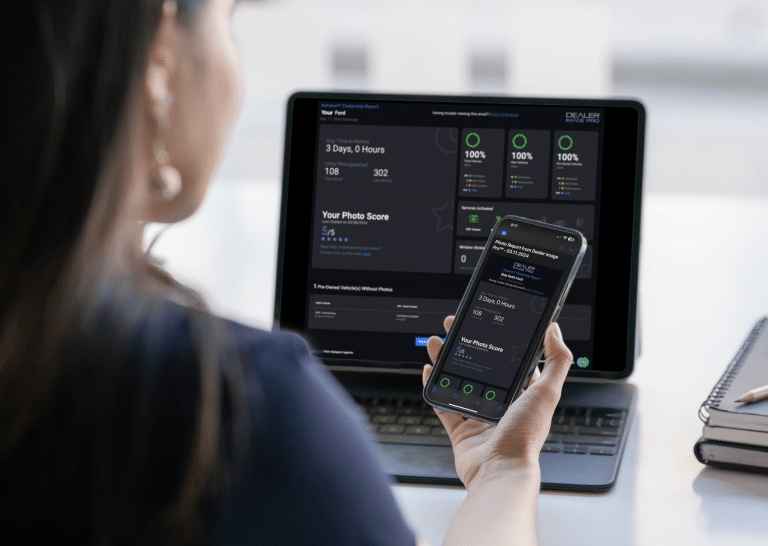
Tools like Photo Reports make this faster by showing which units have incomplete photo sets, so your review starts with a list instead of a manual search through the website.
Photo Problem or Pricing Problem? Let the VDP Data Decide
Before you change anything, look at how the listing is actually performing. Your VDP data can tell you a lot about where a deal is stalling.
| What you see | What it usually means | What to do first |
|---|---|---|
| Low search impressions or SRP clicks | The lead photo isn’t earning the click | Replace the hero shot |
| Good clicks, short time on VDP | Shoppers lose interest once they see the gallery | Fill gaps, add interior shots, 360, or video |
| Strong VDP views and engagement, few leads | The car looks good but the offer isn’t landing | Review price, incentives, and market position |
| Low views and low leads across the board | Could be either, or the unit isn’t priced to market | Refresh media first, then reassess in a week |
The key distinction is simple. Low views usually point to a media problem. High views with no leads usually point to a pricing problem. Cutting the price on a car nobody is clicking on rarely fixes anything, because shoppers never get far enough to see the new number.
If you haven’t set up tracking yet, our guide to GA4 for Dealer Image Pro walks through how to see engagement on your media. Better inventory photos can also help lower your paid advertising costs, so a media refresh on aged units often pays off twice.
What to Change When You Reshoot
A reshoot doesn’t have to mean starting over. Focus on the changes that make the biggest difference to how the listing looks in search and on the VDP.
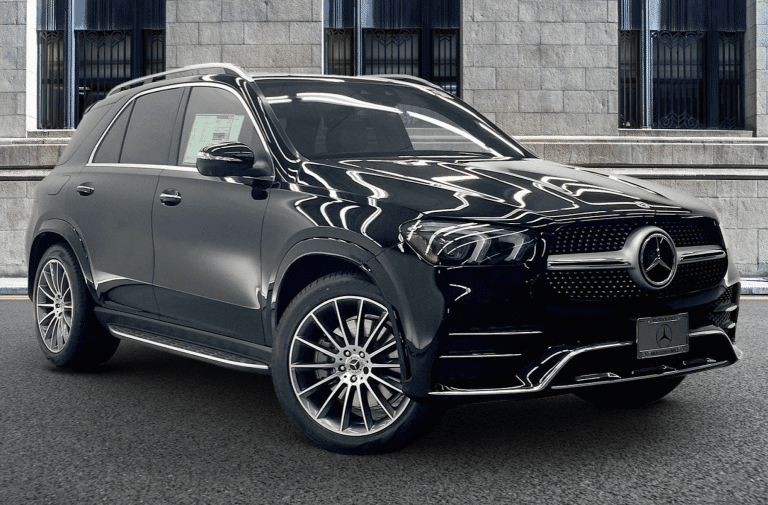
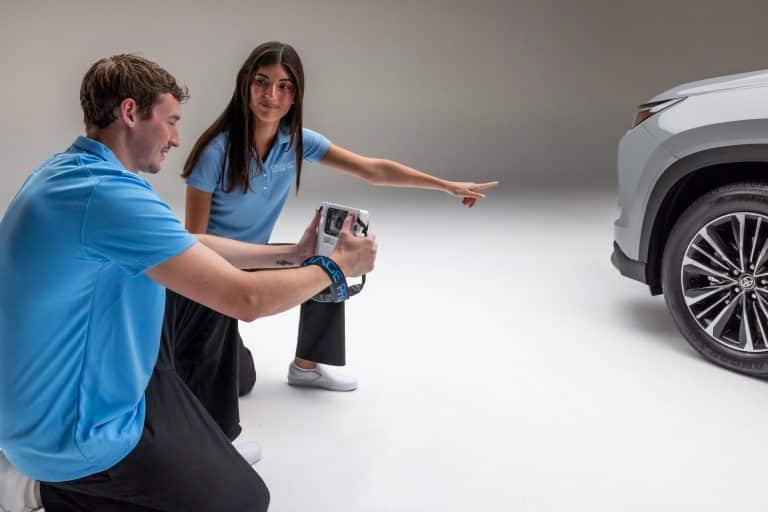
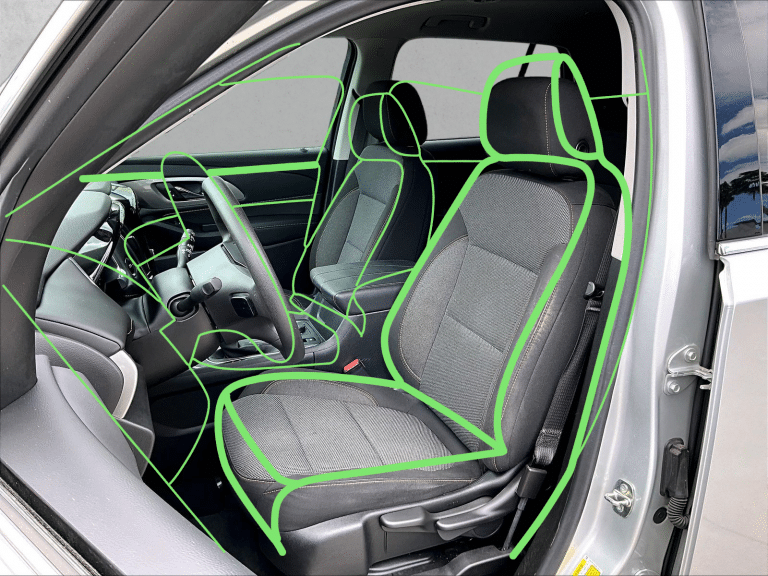
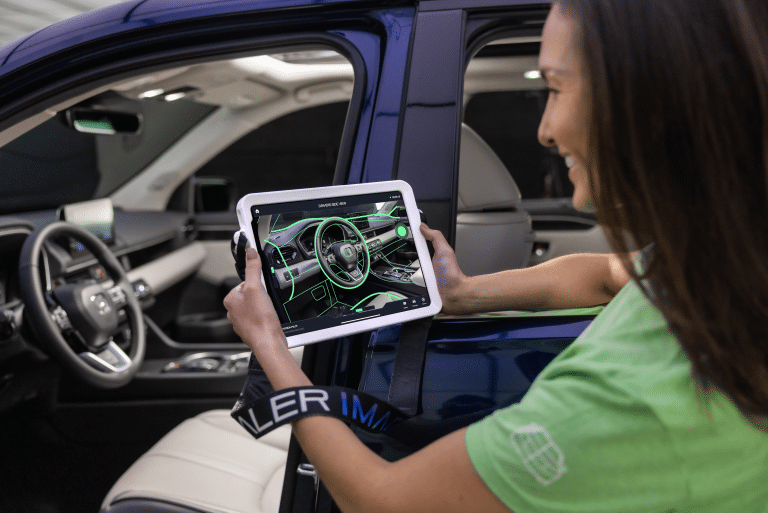
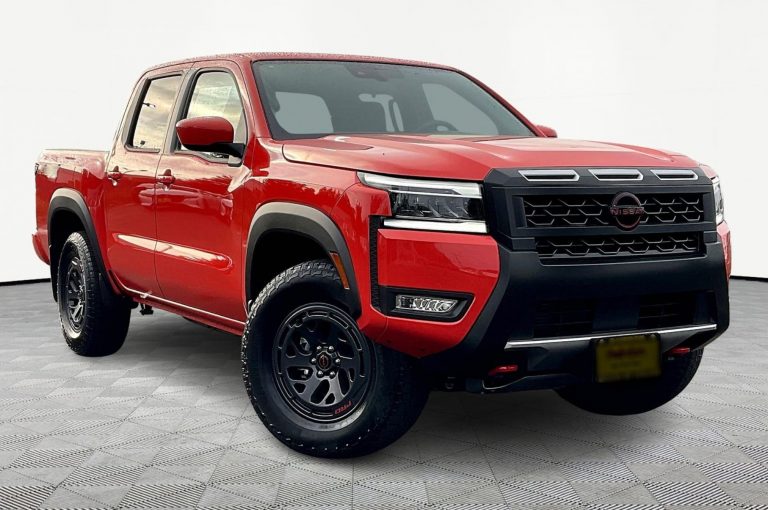
Start with a new hero shot. The lead image matters more than any other photo in the gallery. Reshoot it in good light, with a clean background and a consistent angle. If your team uses wireframe guidelines, this is where they pay off.
Update for the season. Fall and winter listings shouldn’t show summer backdrops. A quick reshoot or a custom background brings the listing up to date. For cold-weather prep, our Winter-Proof Your Profits checklist covers both the lot and the listing.
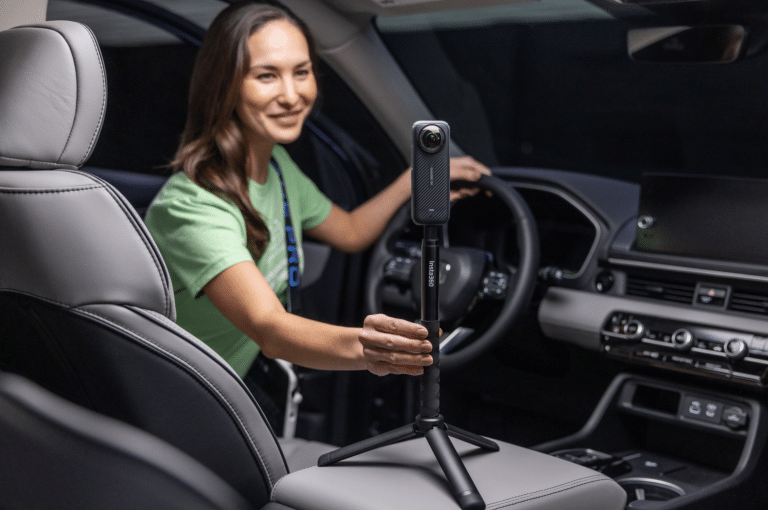
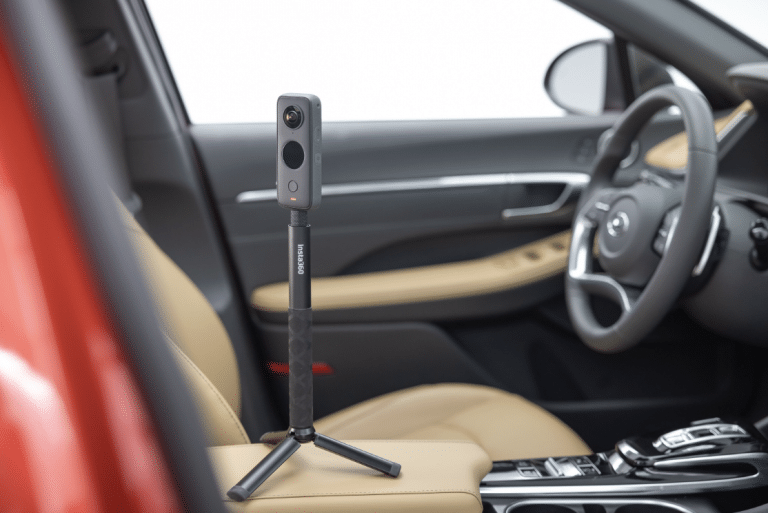
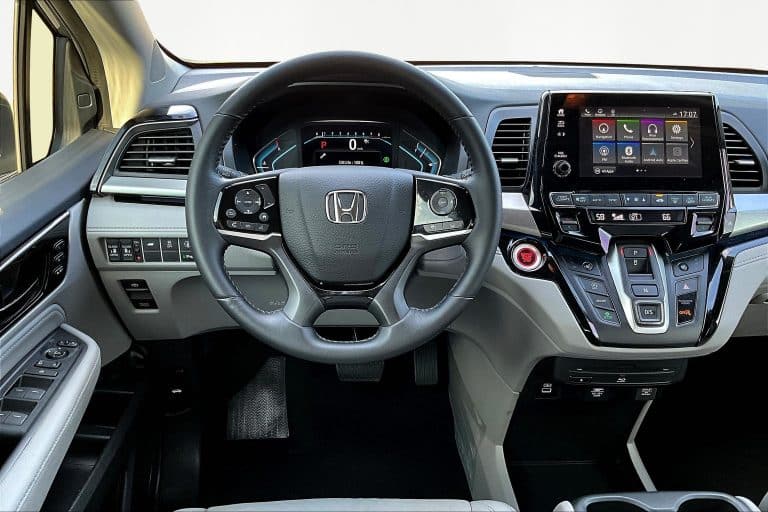
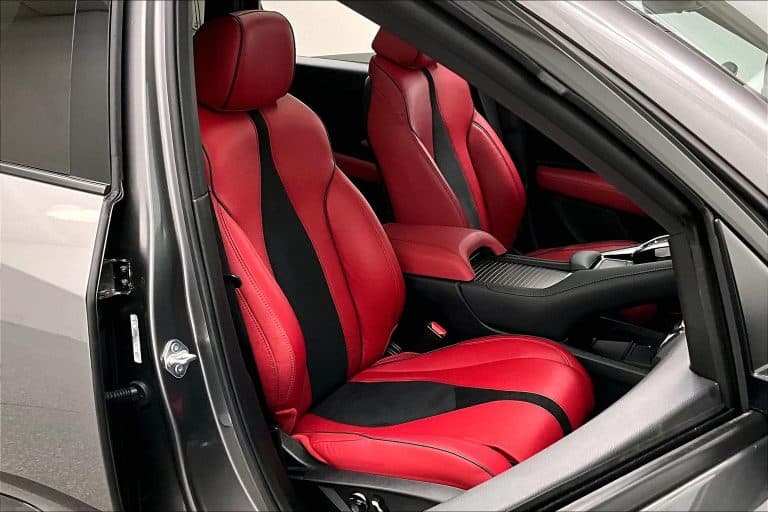
Add what the gallery is missing. Interior shots, close-ups of key features, and condition details answer questions before shoppers have to ask. Adding a 360° interior view or a walkaround video can reduce shopper hesitation, especially on higher-priced units. If you’re adding video, YouTube integration gets it in front of more shoppers.
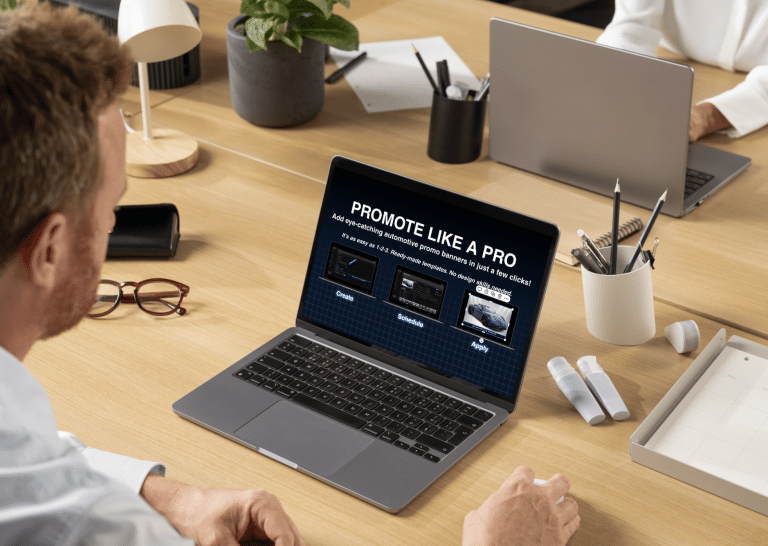
Give it a reason to stand out. A promotional banner can highlight a feature, a certification, or a special offer without touching the price. It’s a simple way to make an aged unit look new again in search results.
Re-prep before you reshoot. A car that’s been sitting for six weeks collects dust, pollen, and leaves. Run through our car photo prep checklist so the new photos actually look better than the old ones.
Make It a Process, Not a Fire Drill
The dealers who handle aged inventory best don’t wait for the end of the month to react. They treat the media review like any other part of their aging process, with a set day, a clear owner, and a simple checklist.
That matters even more heading into year-end. As Q4 pressure builds and aged units start weighing on floorplan costs, the temptation to discount everything is strong. A reshoot costs a fraction of a price cut, and it can protect gross on units that just needed a better first impression.
If your team is already stretched, this is where an in-house system helps. As we covered in Why Inventory Imaging Is an Operations Issue, Not a Marketing Task, the stores that get this right build imaging into daily operations instead of treating it as a one-time task.
Before you cut the price, refresh the listing. If you’d like to see how Dealer Image Pro helps dealerships capture, track, and refresh inventory media, book a demo with our team.
FAQs
What is considered aged inventory at a car dealership?
Most dealerships treat a unit as aged once it passes 45 to 60 days on the lot, though the exact threshold varies by store, brand, and whether the unit is new or used. Many stores start watching used units closely at 30 days.
When should a dealership reshoot a vehicle?
A good rule is to review media at day 30 and reshoot or refresh at day 45 if the listing isn’t performing. You should also reshoot any unit photographed before reconditioning was finished, or any unit whose photos no longer match the season.
How do I know if a car isn’t selling because of photos or price?
Look at your VDP data. Low views and clicks usually point to a media problem, especially a weak lead photo. Strong views with few leads usually point to a pricing or offer problem.
Is reshooting a car really cheaper than a price drop?
In most cases, yes. A reshoot takes staff time, while a price cut comes straight out of gross. Refreshing media first lets you protect margin on units that only needed a better presentation.
What should I change first when refreshing an aged listing?
Start with the lead photo, since it drives clicks from search results. Then fill gaps in the gallery, update seasonal backgrounds, and consider adding a 360 view, a walkaround video, or a promotional banner.
Do refreshed photos help on third-party marketplaces too?
Yes. Marketplaces display your lead photo and gallery just like your website does, so a stronger hero shot and fuller gallery can improve click-through wherever the unit is listed.