On this page:


Owning a 360° camera doesn’t automatically mean your listings have interior 360s that sell. A dim cabin, a stray water bottle, or a camera parked in the wrong spot can make a $45,000 SUV look tired. A well-captured 360, on the other hand, lets a shopper settle into the driver’s seat from their couch and like what they see.
The difference is almost never the hardware. It’s the routine around it. This playbook walks through how to prep, capture, and tag interior 360s so every one pulls its weight, and how to get more mileage from them once they’re live.
Step 1: Prep the cabin like a shopper is sitting in it
A 360 shows everything at once, including the things a static photo would crop out. That makes prep more important, not less. Before the camera goes in, run through a quick cabin check:
- Clear it out. Remove dealer plates, paperwork, key tags, floor-mat tags, and anything left in cupholders, door pockets, or seatback pockets.
- Finish detailing first. Vacuum lines, smudged screens, and dusty vents are much more visible when a shopper can zoom in.
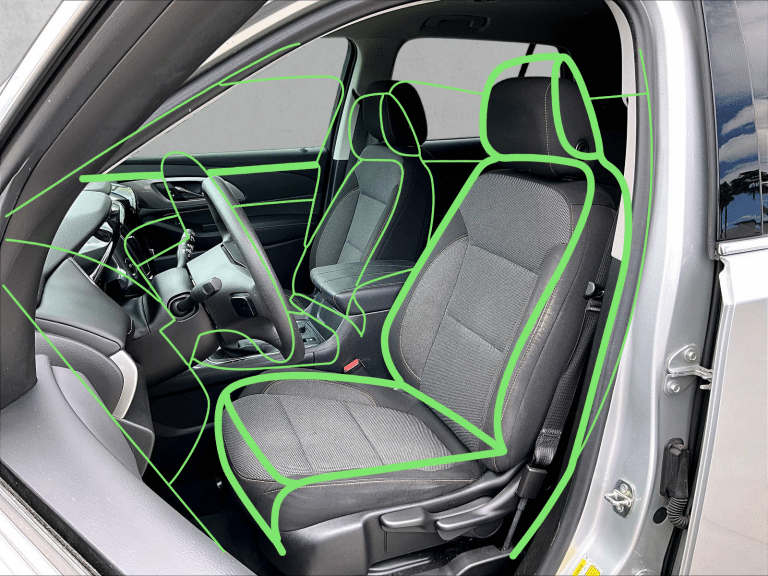
- Set the seats. Return front seats to a neutral position and line both up evenly. Raise all headrests to the same height.
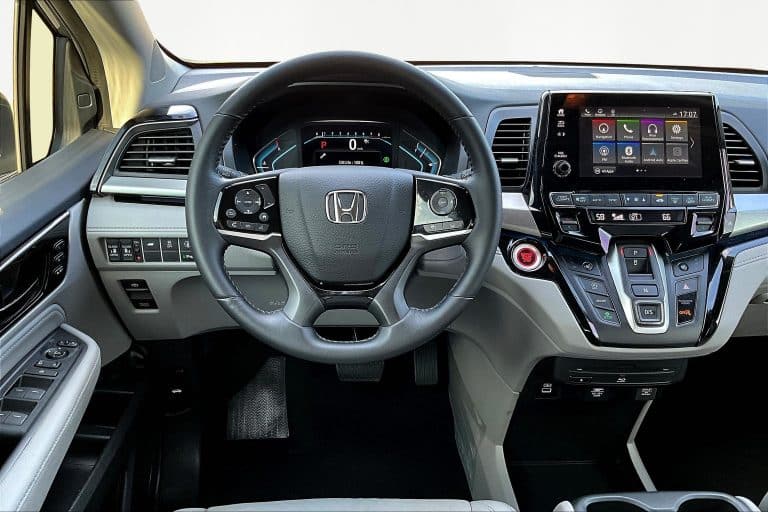
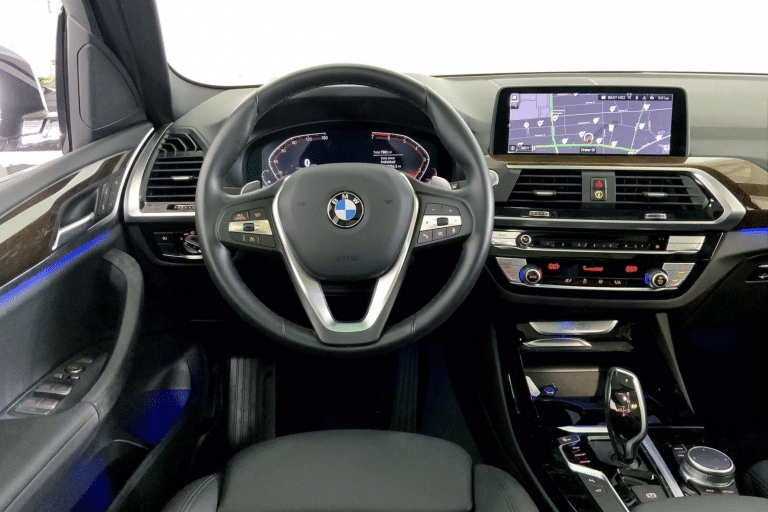
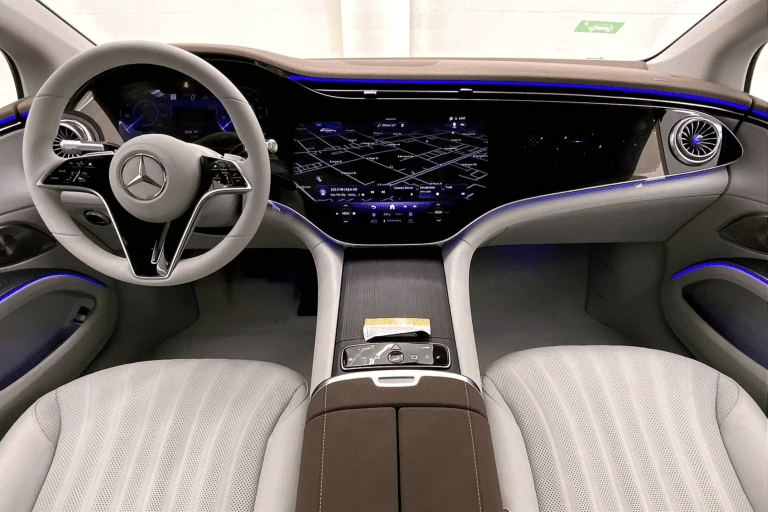
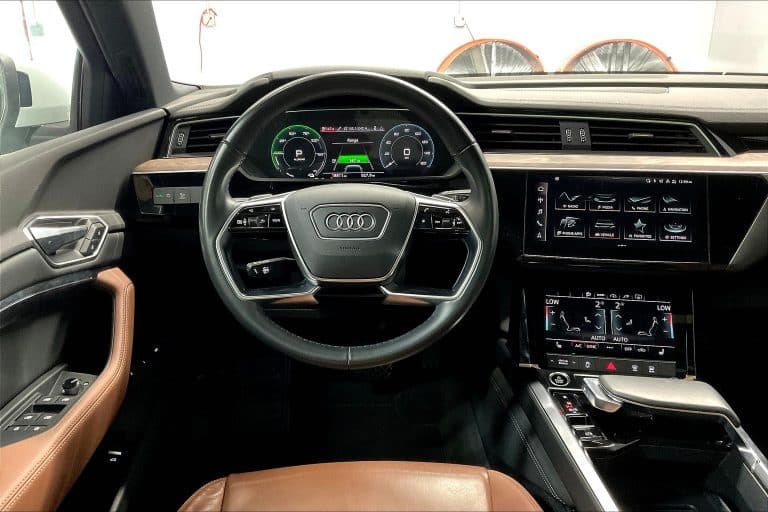
- Wake up the screens. Turn the ignition to accessory mode so the infotainment display and gauge cluster are lit, showing a clean home screen rather than a warning or setup menu.
- Straighten the details. Center the steering wheel, fasten loose seatbelts against the seat, and flatten the floor mats.
It takes a couple of minutes and pays off every time someone opens the listing.
Step 2: Set up the shot
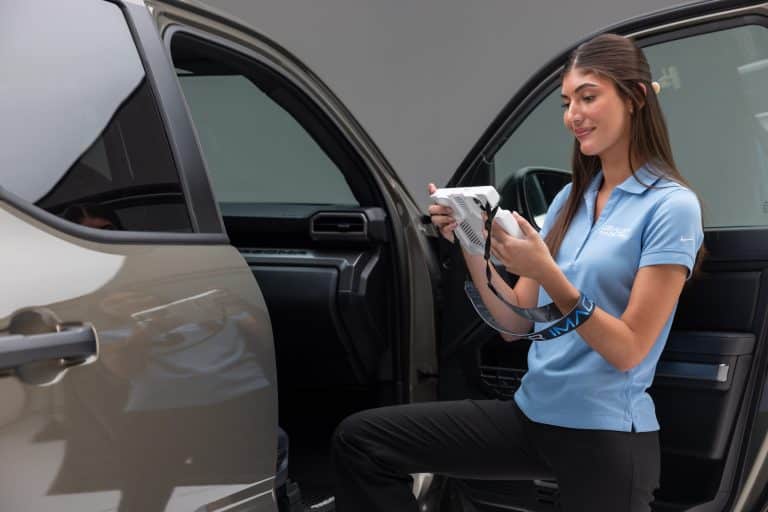
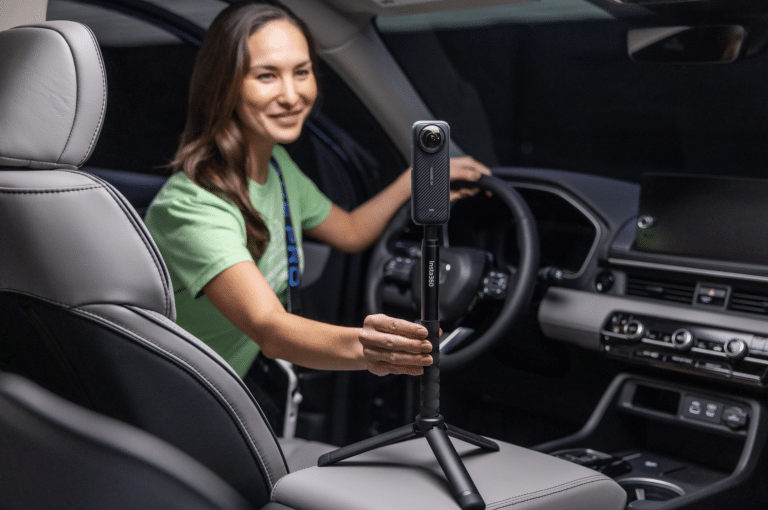
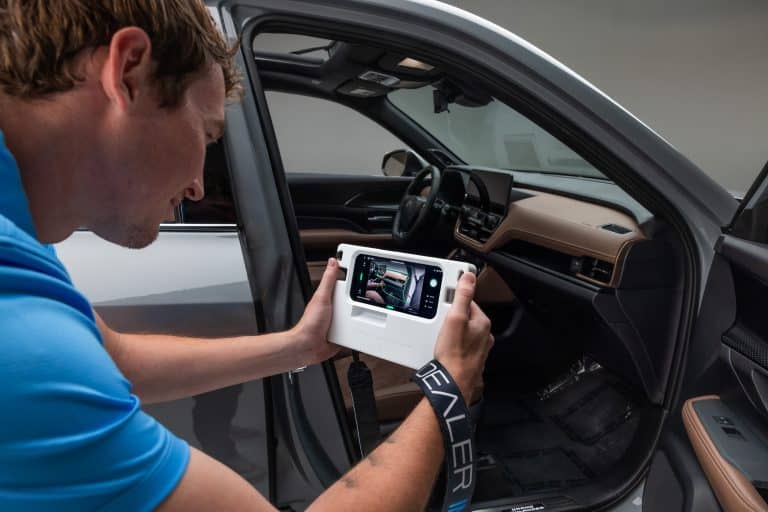
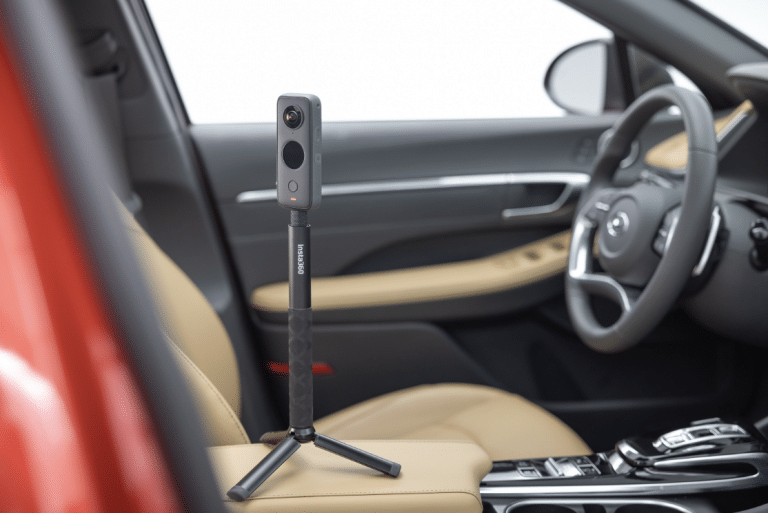
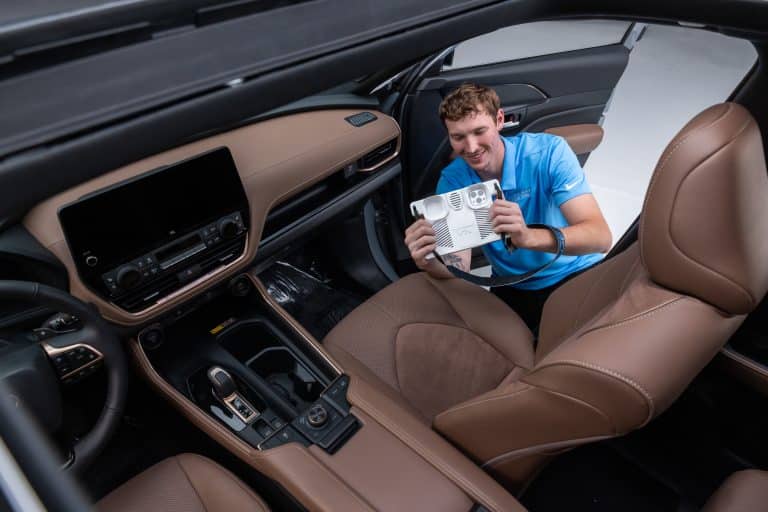
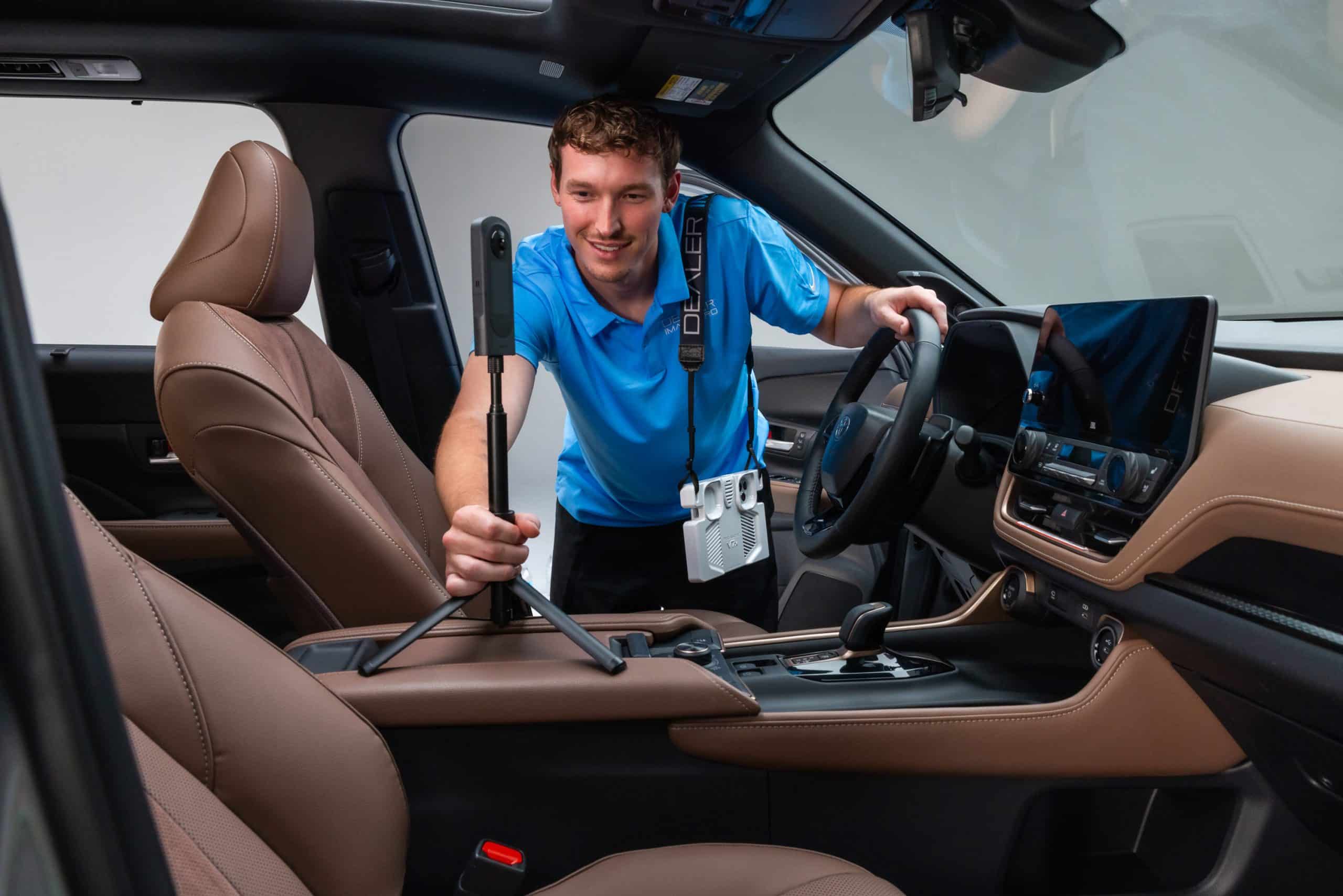
The capture itself is quick: the photographer places the camera in the cabin, steps out of view, and triggers the shot. A few habits make the result look professional every time.
- Center the camera. Place it between the front seats so the view reaches the dash, both front seats, and the second row evenly. Keep it in the same spot on every vehicle so your inventory looks consistent.
- Get fully out of frame. A 360 sees in every direction, so step well away from the windows before triggering, not just out of the doorway.
- Close the doors. Open doors pull attention outside the cabin and can show the lot behind the car.
- Watch the light. Even, open shade beats harsh direct sun, which creates hot spots on leather and glare on screens. Avoid shooting in a dark garage corner.
- Open the sunroof shade. A panoramic roof is a selling point, and the extra light helps the whole image.
- Check before you move on. Preview the 360 and look for your reflection, a stray tag, or a dark screen before pulling the next car.
Step 3: Tag Touchpoints for the buyer you’re selling to
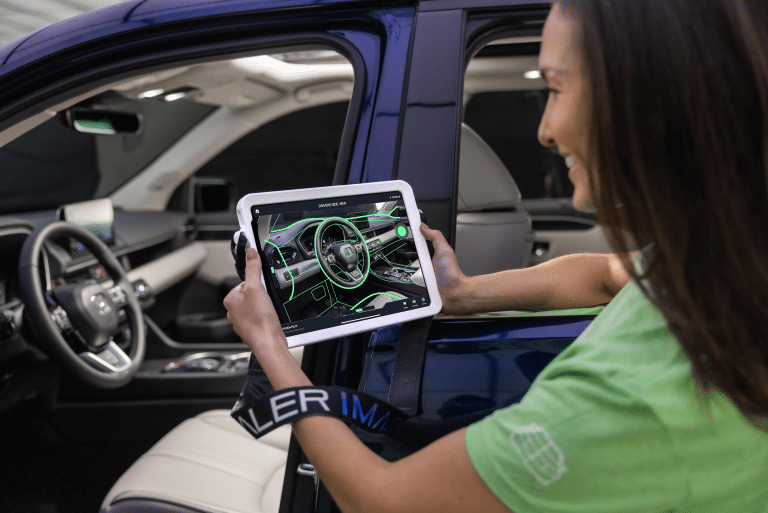
Touchpoints are clickable markers inside the 360 that open a high-resolution close-up of a specific feature. The mistake is tagging the same generic spots on every car. A minivan shopper and a luxury sedan shopper are looking for different things, so lead with what each one cares about.
| Vehicle type | Touchpoints to prioritize |
|---|---|
| Pickup truck | Rear-seat legroom and under-seat storage, 4WD and drive-mode controls, trailer brake and towing controls, upfit or work-trim switches |
| Family SUV / minivan | Third-row access and legroom, cargo area with seats folded, rear climate and charging ports, car-seat anchors |
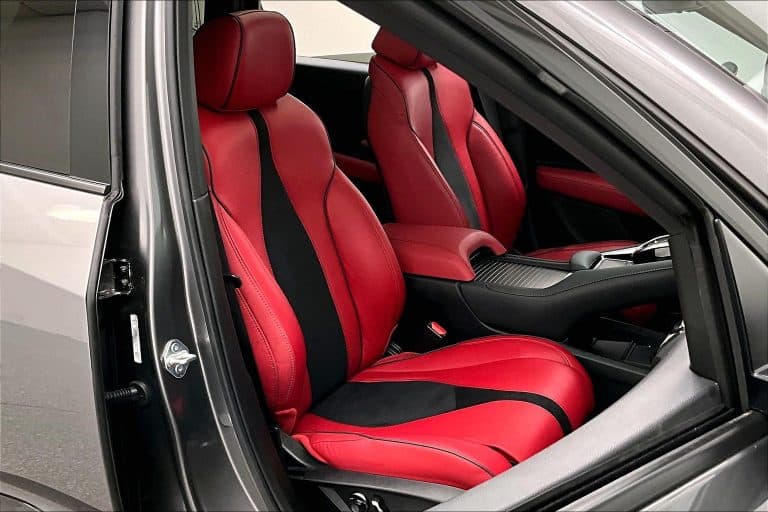
| Luxury | Seat materials and stitching, ambient lighting, premium audio branding, massage or ventilated seat controls |
| EV / hybrid | Energy and range display, drive-mode and regen controls, charging info on the screen, wireless charging pad |
| Commuter sedan / compact | Infotainment and phone integration, driver-assist buttons, rear-seat legroom, trunk space |
Four to six Touchpoints per vehicle is usually plenty. Enough to answer the big questions without turning the 360 into a scavenger hunt.
Five mistakes that quietly undercut an interior 360
- Shooting before recon is finished. A 360 of a half-detailed car lives on the listing until someone remembers to retake it.
- Inconsistent camera placement. When one car is shot from the dash and the next from the back seat, your inventory feels random instead of professional.
- Dark screens and dead dashboards. An unlit cabin makes even a new vehicle look like it’s been sitting.
- The photographer in the window. Reflections and shadows are easy to miss on the lot and impossible to miss on a phone.
- Skipping 360s on “boring” units. Base trims and older trade-ins are often where shoppers have the most questions about condition. They benefit from a 360 the most.
Get more out of every 360 after it’s live
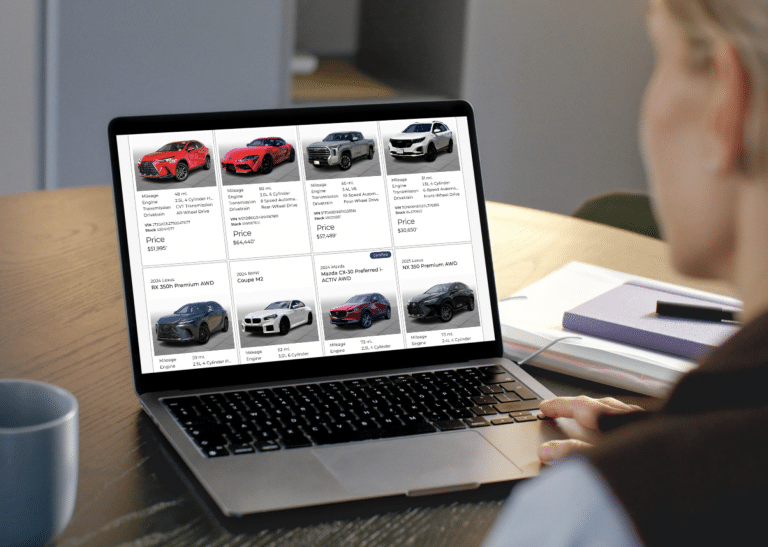
The VDP is where most shoppers will find your interior 360s, but it shouldn’t be the only place your team uses them.
- Sales follow-up. When a lead asks “How’s the back seat?” or “Does it have the bigger screen?”, reply with the listing link and point them to the Touchpoint. It answers faster than a string of texted photos.
- Long-distance buyers. Out-of-town shoppers can’t pop in for a look. A thorough interior 360 can be what convinces them the trip or the delivery is worth it.
- Social posts. Use a short screen recording panning through the 360 for new-arrival or feature-spotlight posts.
- Internal reviews. Managers can check a unit’s interior condition and presentation from their desk before pricing or before a vehicle goes live.
Make great interior 360s the default, not the exception
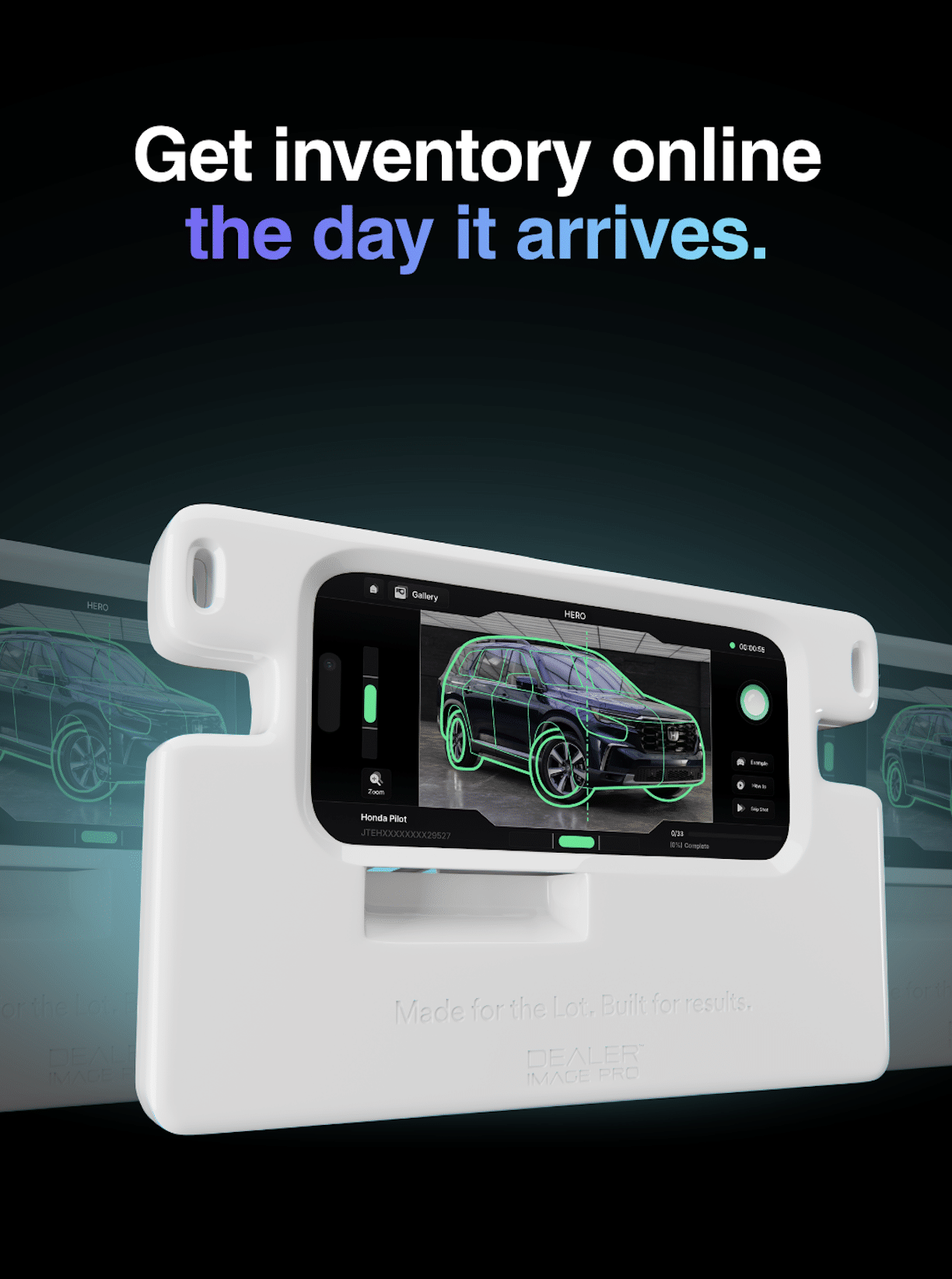
A playbook only works if every photographer follows it on every car. Dealer Image Pro works with Insta360 and RICOH cameras and builds the 360 into your team’s shooting sequence, with training and support so new staff get it right from day one. Add Touchpoints on top, and every interior on your lot gets the same polished, shopper-ready treatment.
Want to see interior 360s and Touchpoints on your own inventory? Book a free demo
FAQs
How long does an interior 360 add to each shoot?
Only a few minutes. The photographer sets the camera in the cabin, steps out of view, and the camera handles the capture.
Where should the camera go inside the vehicle?
Centered between the front seats works for most vehicles, giving an even view of the dash, front seats, and second row. Using the same position on every car keeps your inventory consistent.
How many Touchpoints should each vehicle have?
Four to six is a good target. Focus on the features buyers of that vehicle type ask about most.
Should used vehicles get interior 360s too?
Yes. Used shoppers usually have more questions about condition, and a clear 360 answers them up front.
What cameras does Dealer Image Pro support for 360s?
Insta360 and RICOH. Let the Dealer Image Pro support team know when you have one so they can add it to your shooting sequence.