On this page:



What Autoport® Does
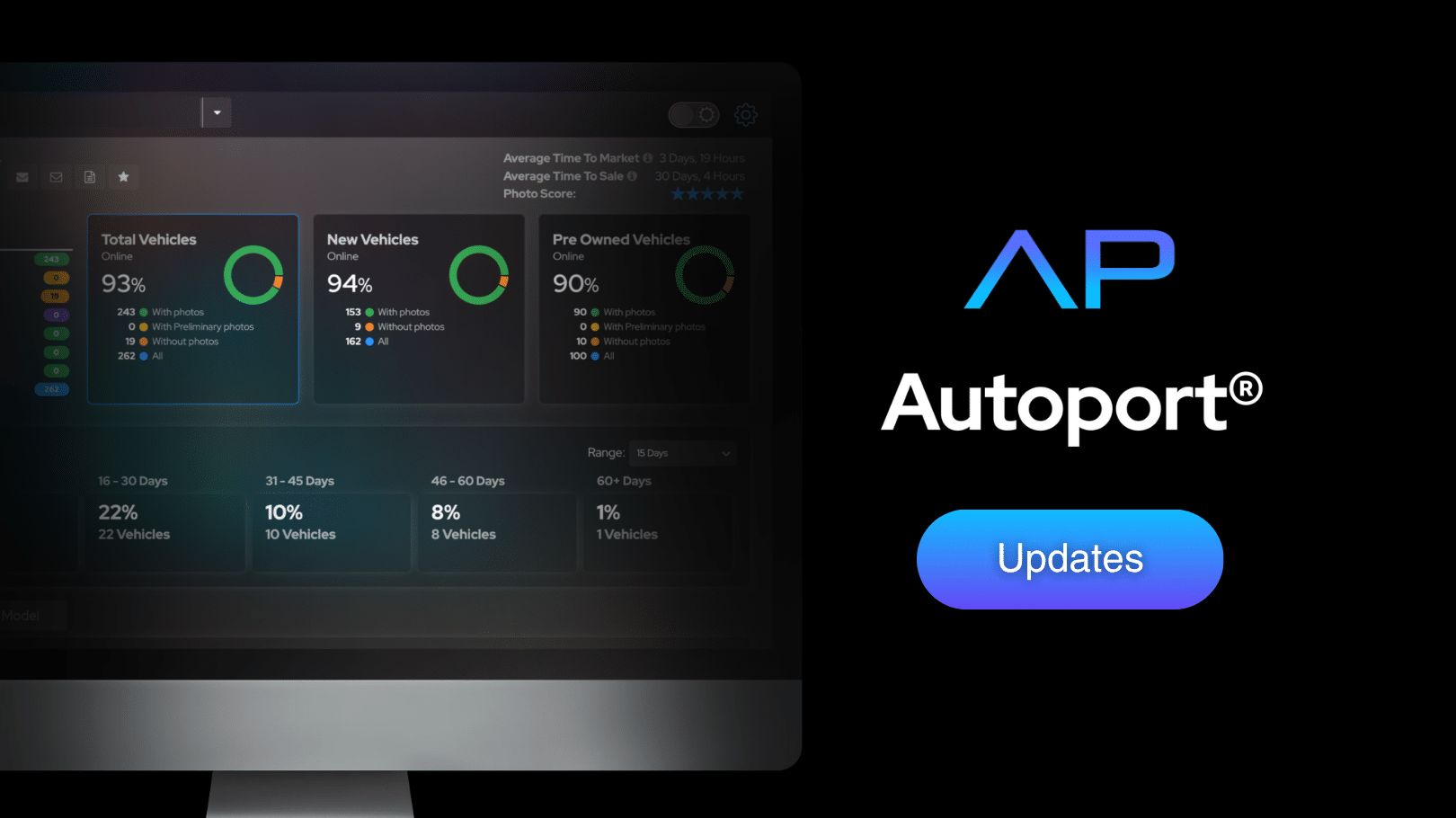
Autoport® is the desktop platform that works alongside the Photo Assistant™ app, giving dealerships a central place to manage vehicle photos, videos, and publishing activity. While Photo Assistant™ is used to capture vehicle media in the lot, Autoport® allows dealership teams to monitor, organize, and track everything from the desktop. It provides a clear view of which vehicles have been photographed, which media has been published, and what still needs attention. This helps dealerships keep inventory listings complete and get vehicles online faster.
Here you can read about our latest updates to the Autoport® platform.
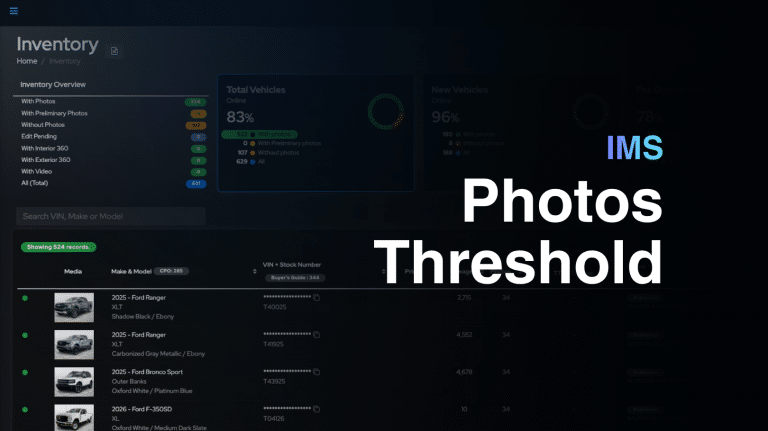
Inventory is now easier to scan with hero thumbnails in each vehicle row.
Autoport® now displays the first image attached to the vehicle directly in Inventory, giving teams a quick visual checkpoint while reviewing photo status and merchandising readiness.
This helps dealerships and internal teams catch common issues faster, including incorrect lead photos, non-DIP image sets, out-of-order galleries, key shots appearing first, or vehicles that may need another capture pass.
The result is faster inventory QA and a clearer view of how each vehicle will appear before opening the full gallery.
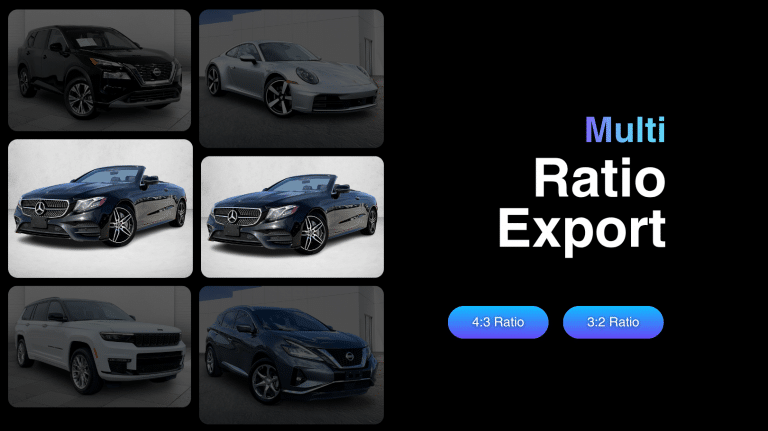
Autoport® now supports multiple image export ratios from the same store. Previously, each store was limited to one configured ratio, which created tradeoffs when one IMS required 4:3 while another destination needed 3:2 for website consistency. With Multi-Ratio Export, a store can now send 4:3 images to one feed and 3:2 images to another. For example, ACV Max can receive a 4:3 feed while vAuto receives a 3:2 feed from the same store.
This gives dealer groups more flexibility, helps meet IMS-specific requirements, and keeps customer-facing inventory pages visually consistent across websites and partner feeds.
Autoport® can now ignore IMS-provided photo counts during inventory processing. This helps prevent older IMS or vendor photos from making a vehicle appear complete when it still needs a fresh Photo Assistant™ set. When enabled, the IMS photo count is treated as 0, moving legacy-photo units into the “Without Photos” workflow.
This gives dealerships a cleaner view of vehicles that need new media, helps photographers trust their shoot list, and makes onboarding or aged inventory cleanup faster and easier.
Autoport® users can now send select reports to themselves directly from the gear wheel menu.
Instead of waiting for scheduled sends or support follow-up, users can pull current report context when they need it. The Photo Report is available now for a quick snapshot of inventory with and without photos, and the 5 PM Report is available for end-of-day execution visibility.
This gives managers and internal teams faster access to current reporting, while keeping report sends inside Autoport permissions.
VDS Report and Age Bucket Report self-send options are planned as coming-soon additions.
Autoport® User Roles give dealerships and auto groups more control over who can access specific tools, reports, workflows, and management features. Instead of every external user sharing the same photographer role, teams can now assign access based on each person’s actual responsibility, such as dealership management, assistant or coordinator work, or photography-only workflows.
This helps dealerships keep Autoport® access aligned with daily operations, giving users the tools they need while limiting access to features that are not part of their role.