On this page:



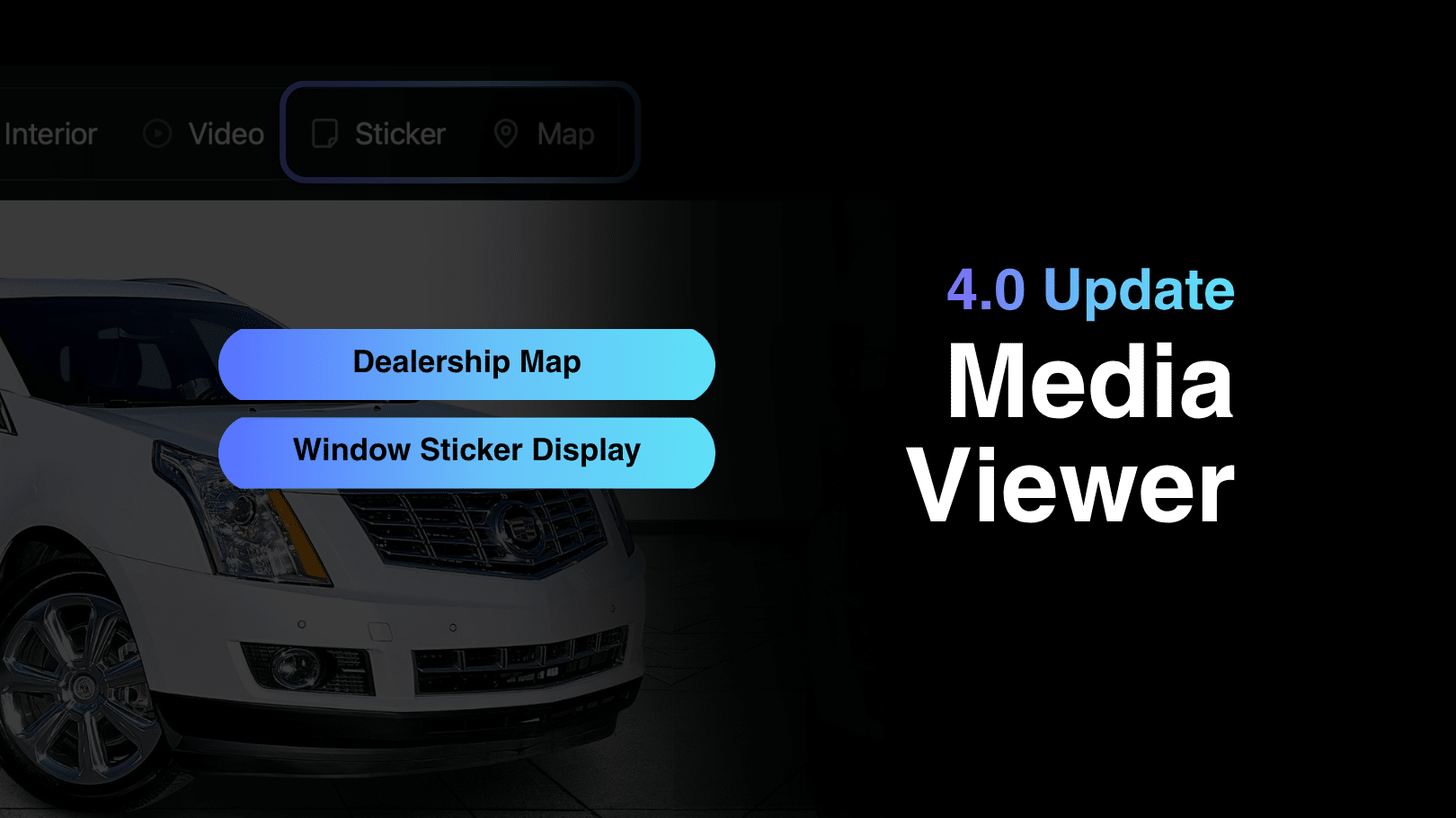
A Complete Vehicle Viewing Experience
Media Viewer 4.0 centralizes all vehicle media and information, allowing shoppers to explore inventory without losing context. Instead of jumping between pages or tools, everything is accessible within one cohesive interface.
The viewer includes:
- High-resolution image galleries
- Full-feature vehicle videos
- Interactive interior 360° environments with touchpoints
- Togglable exterior 360° spins
- Website-only vehicle imperfections for transparency
- Digital window sticker access
- Integrated map view
This combination of media and context helps shoppers better understand each vehicle, creating a more informed browsing experience.
The Media Menu: One Control Center for Everything
At the core of Media Viewer 4.0 is the Media Menu—a centralized control panel that displays all available media types in one place.
- Switch between photos, video, and 360 experiences seamlessly
- Access supporting vehicle information without losing your place
- Keep the browsing experience smooth and uninterrupted
Applicable media such as videos and 360 spins can also play automatically, creating a dynamic experience that keeps users engaged without requiring extra clicks.
Built for Engagement and Ease of Use
Media Viewer 4.0 is designed to reduce friction and increase interaction:
- One place: All media and context organized together
- Low friction: No page jumps when switching between media types
- More engagement: Motion-based content naturally draws attention
This structure keeps shoppers focused and engaged throughout the vehicle exploration process.
Flexible Viewer Configuration for Dealerships
Media Viewer 4.0 offers flexible configuration options, allowing dealerships to control which media elements appear within the viewer. This supports different merchandising strategies and third-party workflows.
Dealerships can choose to:
- Hide photos from the viewer
- Disable video playback within the viewer
- Remove 360° experiences
- Control which media tabs appear in navigation
This flexibility is especially useful for dealerships using external platforms or managing how media is distributed across channels.
These configuration settings are applied by the Dealer Image Pro Support Team. Dealerships looking to adjust their viewer setup should contact support for assistance.
Why Media Viewer 4.0 Matters
Media Viewer 4.0 transforms vehicle media from a static gallery into an active buying experience. By combining visuals, transparency, and key vehicle details into one unified interface, it helps shoppers move forward with confidence.
- 1 cohesive viewer for every asset
- 0 context lost during media switching
- 100% intentional transparency support
Media Viewer 4.0 delivers a more engaging, transparent, and streamlined way for customers to explore inventory online.