On this page:



What Photo Assistant™ Does
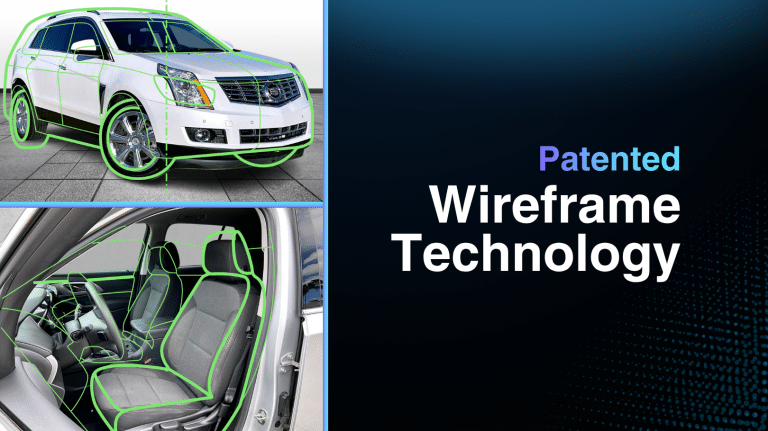
Photo Assistant™ guides dealership staff through the vehicle capture process with step-by-step, on-screen wireframe guidance that shows exactly which shot to capture next. This helps dealerships create more consistent inventory photos while reducing training time and speeding up the capture process.
Once content is captured, everything moves through Autoport®, where photos and merchandising assets are automatically edited, sequenced, optimized, quality-checked, and published. The result is a faster, more consistent merchandising workflow that helps dealerships get vehicles online quickly and correctly.
This page is your central hub for all Photo Assistant™ updates, feature releases, improvements, and workflow enhancements.
V7x 1.2.1 is rolling out now to every Photo Assistant™ device. It installs automatically, so there’s nothing for your team to do. This update makes the shoot faster and your results more consistent, with sharper close-ups, steadier exposure, and smoother video.
Tap to Focus for Key Fob Photos and VIN Scans
Photographers can now tap the screen to set focus on key fob photos and VIN scans. Key fob shots come out sharper, and VIN scans read faster and more reliably, so fewer shots need a redo.
Exposure That Adapts Indoors and Out
Exposure now adjusts correctly as your photographer moves between the showroom and the lot. Photos stay properly exposed throughout the shoot, without manual adjustments. Available on iPhone Pro Max and iPad.
Smoother Video with Action Mode
Walkaround videos captured on the iPhone Pro Max now use Action Mode stabilization, for steadier footage as your photographer moves around the vehicle. Available on iPhone Pro Max only.
Available on iPad and iPhone
Photo Assistant V7x supports iPhone, giving teams the flexibility to work from the device that fits the moment.
All-New Window Sticker Queue
After completing a vehicle session, users can print the window sticker immediately or add it to a queue for batch printing later.
More Guidance During Capture
The updated V7x capture layout puts helpful guidance and session progress closer to the photographer throughout the capture process.
Smudge Alert
Smudge detection warns photographers when the camera lens may be dirty, helping them address the issue before it affects the full photo set.
Insta360 X4 Air support:
Photo Assistant V7.1.1 supports Insta360 X4 Air, extending compatibility for teams using the latest 360 capture setup in active dealership workflows.
New Insta360 SDK:
V7.1.1 introduces an updated Insta360 SDK focused on resolving known bugs and improving connection stability between Photo Assistant and supported cameras.
VIN Tracker:
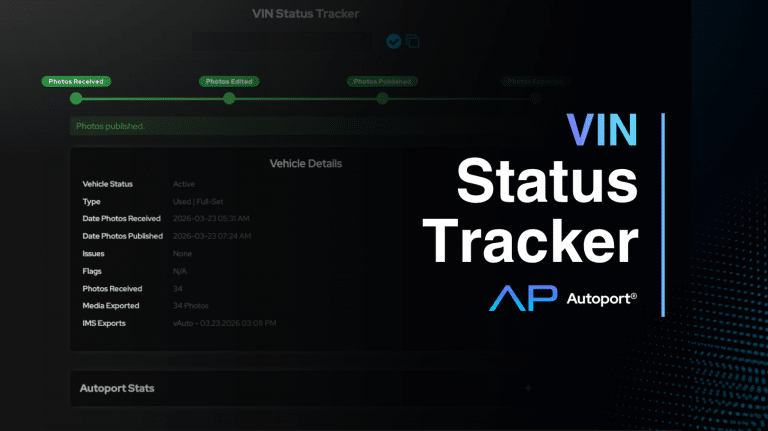
VIN Tracker gives photographers a straightforward way to track vehicle progress so they can quickly respond when dealers ask where their photos are.
Autosync Uploads:
Autosync automatically uploads vehicles as soon as a session is completed.
Recover Stalled Uploads Instantly:
A new pull-to-refresh feature allows users to quickly restart stalled uploads directly from the queue.
Expanded Camera Support: Insta360 X5:
Photo Assistant now supports the Insta360 X5, expanding compatibility with the latest 360 capture hardware.
Reshoot Vehicles Without Rebuilding Sessions:
Archived vehicles can now be reopened and reshot without starting from scratch.
CarData Invoicing for LSPs:
New invoicing tools for lot service providers using CarData integrations streamline billing operations.
This update is built to keep your operations moving, reducing friction from capture to upload. If any issues arise, please reach out to support.
Photo Thresholds:
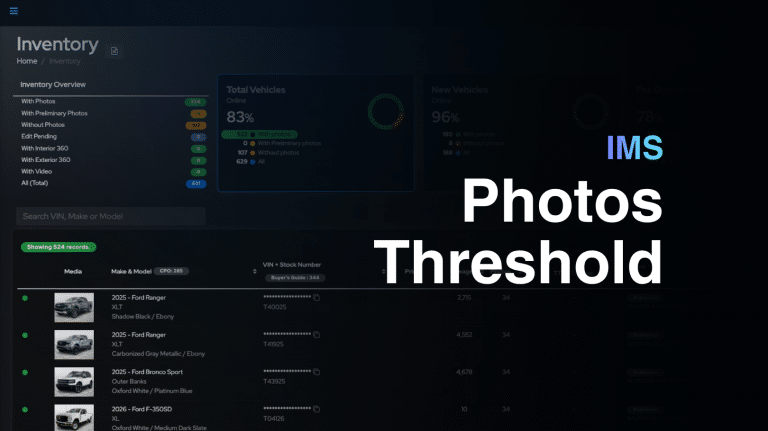
Dealers now have the power to choose their preferred photo thresholds instead of relying on the default counts of 9 photos for new vehicles and 16 photos for used vehicles.
French Language Support:
French localization makes the platform more accessible for bilingual teams and supports expansion into French-speaking regions.