On this page:


One absence shouldn’t stop your inventory from getting online.
When only one employee knows how to photograph vehicles, use the imaging tools, or troubleshoot the publishing process, your dealership has a single point of failure. A vacation, sick day, unexpected departure, or surge in inventory can quickly turn into a merchandising backlog.
A simple continuity plan solves that problem. It gives your team a clear process for keeping priority vehicles moving—even when your primary photographer isn’t available.
Set a Minimum Coverage Standard
Start by defining what needs to happen when your primary photographer is out.
Your backup process may not match your normal daily capacity. That’s okay. The goal is to protect the work that matters most and prevent inventory from sitting unnecessarily.
Your minimum coverage standard should define:
- Which vehicles receive priority.
- Which photos and media assets are required before a listing is complete.
- Who can approve an exception.
- How publishing or feed problems should be escalated.
With those decisions made in advance, your team doesn’t have to reinvent the process every time someone is out.
Name a Primary Backup
Choose at least one employee who can step into the photography workflow when needed. If staffing allows, train a second person for additional coverage. The best backup isn’t necessarily someone with photography experience. Look for an employee who is dependable, available, and comfortable following a consistent process. Then give them opportunities to practice.
A backup who was trained once six months ago may not feel comfortable taking over a full shoot list without warning. Occasional hands-on practice keeps the workflow familiar and helps uncover access, equipment, or process issues before coverage is actually needed.
Dealer Image Pro makes that transition easier.
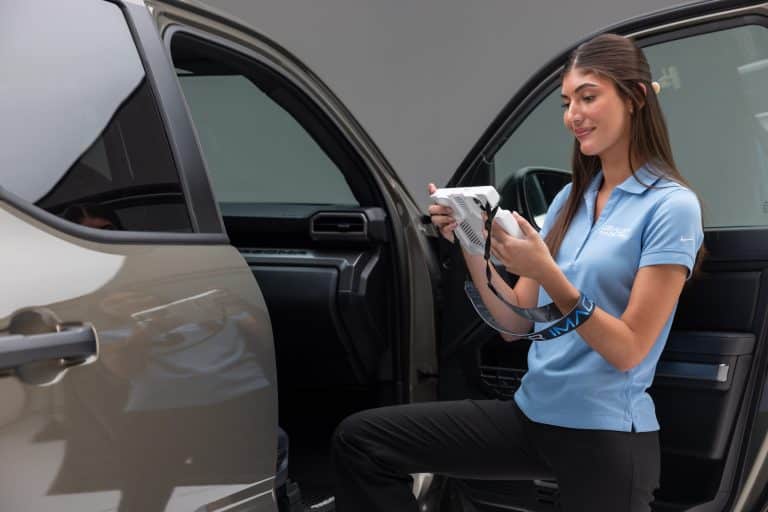
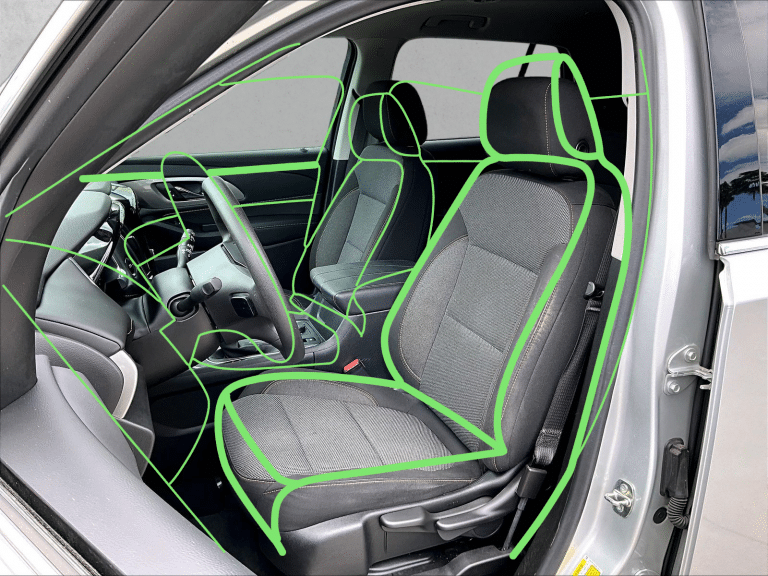
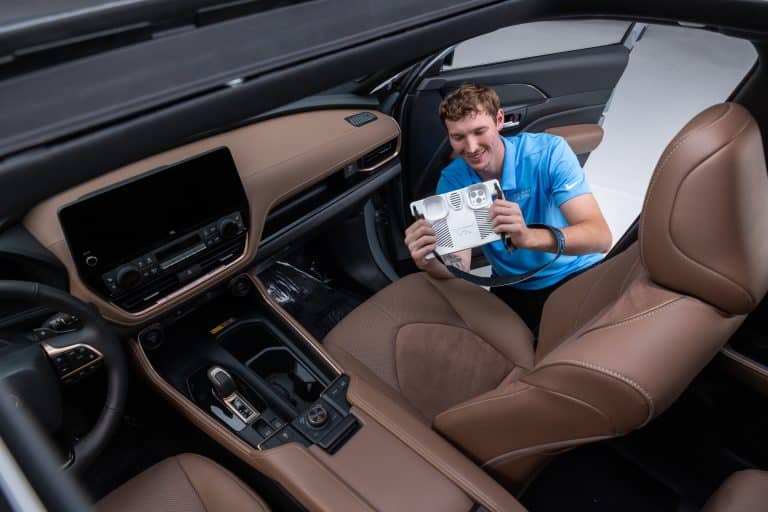
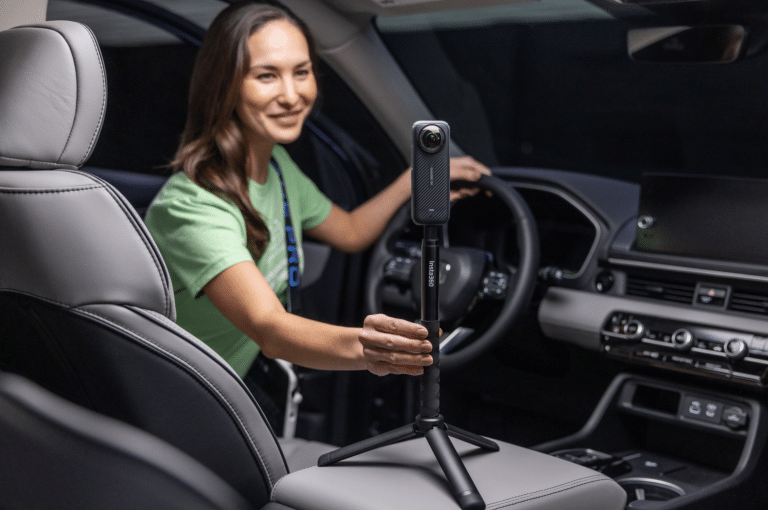
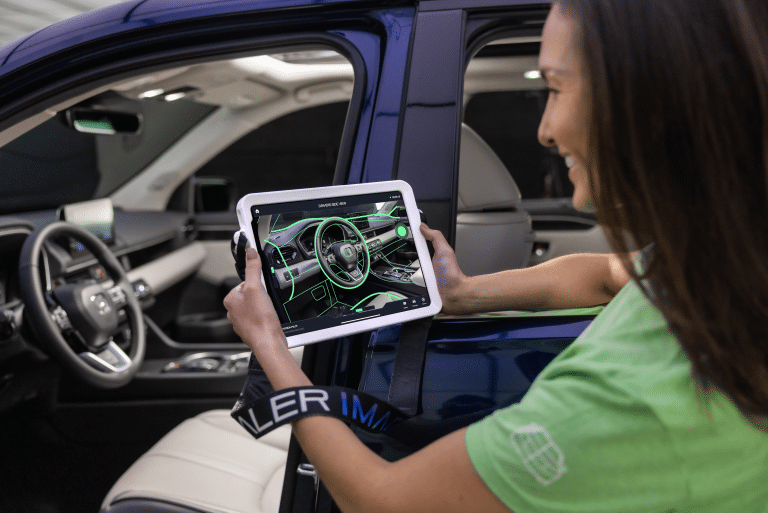
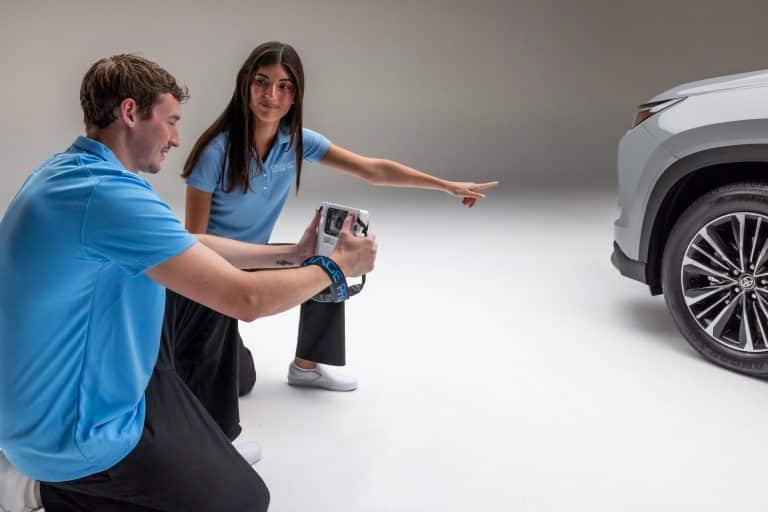
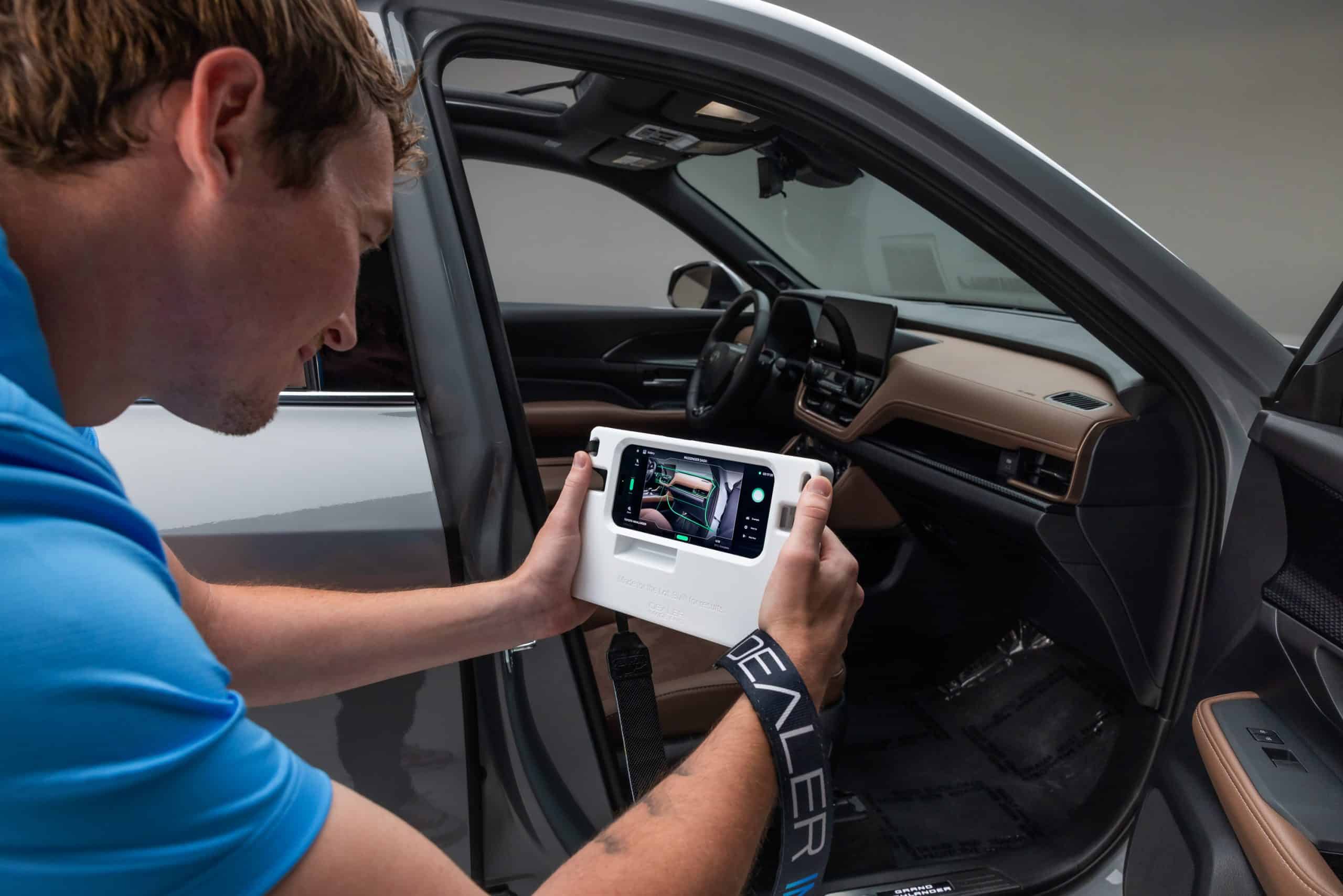
Photo Assistant™ uses guided wireframes to show the operator exactly how each vehicle image should be framed. Instead of relying on one employee’s photography knowledge, your dealership can build the process around a repeatable standard. If your photographer is out, another trained employee can pick up the device, follow the wireframes, and continue capturing consistent inventory photos.
V7x adds Training Mode and real-time capture progress, giving employees even more guidance as they move through the vehicle. The result is a photography process that belongs to the dealership—not just one person.
Keep Access and Equipment Ready
Sometimes the biggest obstacle isn’t taking the photos. It’s discovering that the backup employee doesn’t have the right login, can’t find the equipment, or doesn’t have permission to complete the workflow.
Handle those details before they become urgent.
Maintain a simple readiness checklist that covers:
- Current user access and appropriate permissions.
- Location of the configured capture device and accessories.
- Charging, connectivity, and basic equipment checks.
- Access to the daily vehicle list and inventory status.
- Dealer Image Pro support and internal escalation contacts.
Each employee should use the access assigned to their role rather than sharing personal credentials. This keeps activity clear and makes it easier to update permissions as responsibilities change.
Document the Essential Workflow
Create a simple, one-page operating guide for anyone providing backup coverage.
It should explain how to identify vehicles that are ready for photography, prepare the capture area, follow the required image sequence, confirm a successful upload, and verify that inventory is progressing toward publication.
Make the guide specific to your store. Include details such as:
- Where vehicles should be staged.
- Where keys are located.
- Which window stickers or materials need to be removed or displayed.
- Who handles reconditioning questions.
- Who to contact for inventory feed or publishing issues.
Keep it simple. This isn’t meant to replace training. It’s a quick reference that helps a trained employee follow your dealership’s established process.
Free Training for Your Team—For the Life of the Partnership
A continuity plan works better when training isn’t limited to the person who originally learned the system.
That’s why Dealer Image Pro offers free training for anyone at your dealership for the lifetime of the partnership.
Your photographer can be trained. Your backup can be trained. If responsibilities change or a new employee joins the team, that person can be trained too. There’s no need to protect the workflow by keeping knowledge with a single employee. Combined with Photo Assistant’s guided wireframes, ongoing training makes it easier to build a repeatable process across your dealership. When your regular photographer is unavailable, another team member can step in, follow the same visual guidelines, and keep inventory moving.
That consistency matters beyond operational convenience. Shoppers still see a professional, familiar presentation regardless of who was behind the camera that day.
Your process stays consistent. Your inventory keeps moving. And your dealership isn’t dependent on one person to make it happen.
Prioritize When Capacity Is Limited
Your backup employee probably has other responsibilities. They may not be able to photograph the same number of vehicles as your primary photographer.
When capacity is limited, management should determine what gets photographed first.
Depending on your dealership, priorities might include:
- Fully reconditioned vehicles ready for sale.
- Newly arrived used inventory.
- Vehicles connected to active advertising.
- Sold vehicles awaiting customer delivery.
- Aged inventory that needs updated merchandising.
Establish the order before an absence occurs. Your backup employee should be focused on executing the process—not making merchandising decisions on the fly.
Review the Recovery
When your primary photographer returns, review anything that remains outstanding and restore the normal schedule. More importantly, pay attention to what the absence revealed.
Did the backup have the right access? Was the equipment ready? Were the priorities clear? Could another employee follow the photography process confidently?
If something created unnecessary friction, fix it while the experience is still fresh.
The goal isn’t to duplicate every role at your dealership. It’s to remove a single point of failure. With a clear backup plan, guided photography technology, and ongoing training, an employee absence can remain exactly what it should be: a temporary staffing change—not a merchandising problem.
FAQs
What happens if our dealership photographer calls out unexpectedly?
A trained backup employee can step into the workflow and focus on priority inventory. With Photo Assistant’s guided wireframes, the employee has a clear visual reference for how each image should be captured, helping maintain consistency without requiring professional photography experience.
Does Dealer Image Pro charge to train additional employees?
No. Dealer Image Pro provides free training for anyone at your dealership for the lifetime of the partnership. Whether you’re training a backup, onboarding a new photographer, or adding another team member to the process, training is available when your dealership needs it.
What if our original photographer leaves the dealership?
Your photography process doesn’t have to leave with them. Dealer Image Pro can train other employees on the system, while standardized workflows and wireframe guidelines help the next operator produce a consistent result.
Will photos still look consistent if a different employee takes them?
That’s one of the key benefits of a guided process. Photo Assistant™ wireframes give operators a consistent visual target for each shot, helping reduce variation between employees and keeping vehicle presentation aligned with your dealership’s standards.