On this page:



During onboarding, inventory transitions, or cleanup projects, dealerships often have vehicles with older photos still attached through their IMS. While those images may satisfy the IMS photo count, they don’t always reflect the current standards, branding, or presentation dealerships want online.
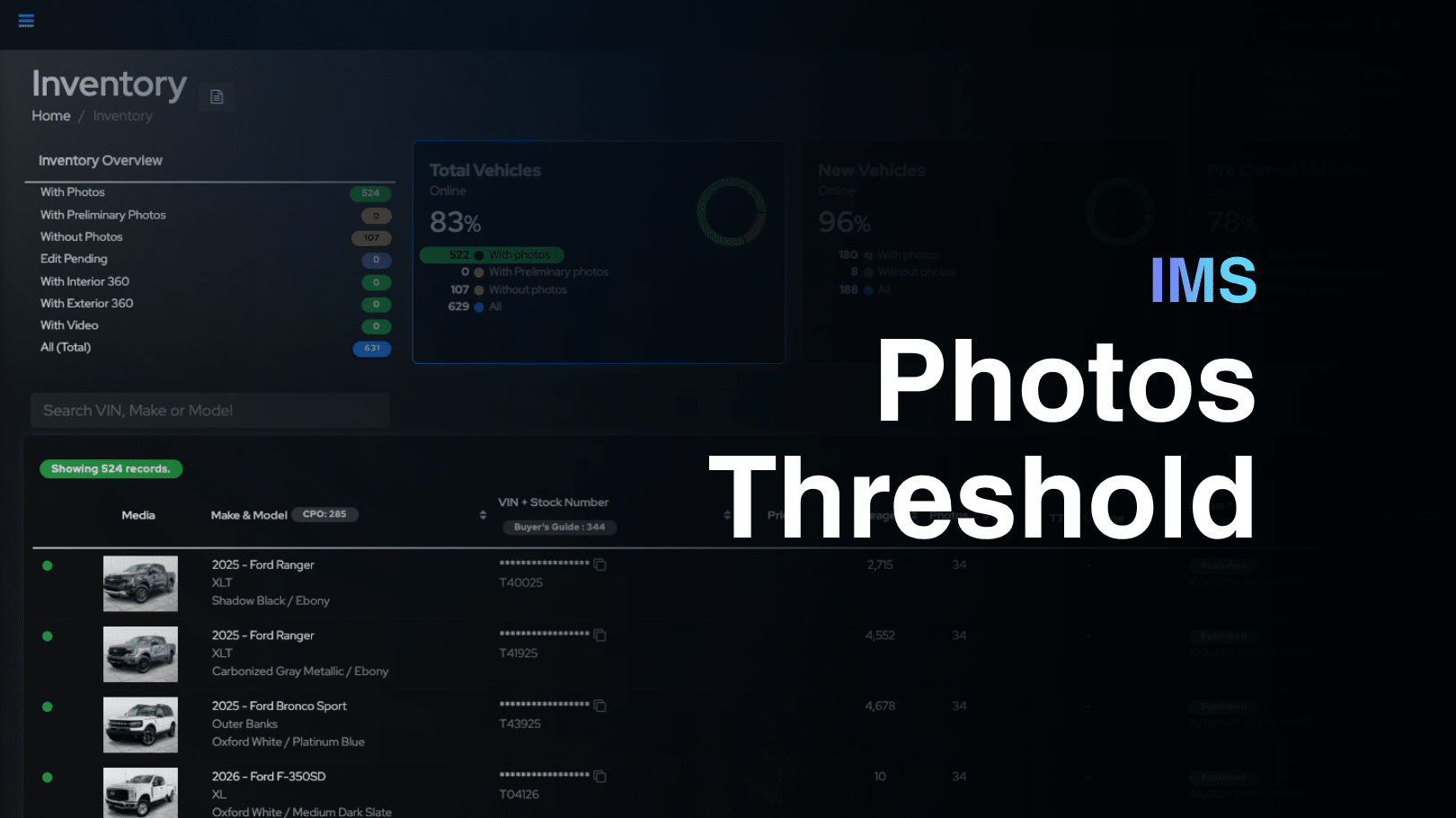
When enough legacy photos are present, those vehicles can appear as complete in the workflow—even when they still need a new Photo Assistant™ photo set. As a result, units that need attention can be harder to find and prioritize.
With this update, Autoport® can ignore inbound IMS photo counts and treat them as zero during inventory processing. Instead of being marked as vehicles with photos, units with older IMS images can automatically appear in the Without Photos workflow, making them easier to identify and capture.
Why It Matters
A More Accurate Photo Workflow
Dealership teams get a clearer view of which vehicles still need updated photography. This is especially valuable during onboarding, inventory transitions, and media cleanup projects.
Faster Photo Prioritization
Photographers can spend less time reviewing vehicles individually and more time capturing inventory that actually needs attention. The Without Photos list becomes a more reliable source for daily photo work.
Better Inventory Presentation
Older vendor photos no longer hide vehicles that should receive fresh, consistent Photo Assistant™ media. The result is a cleaner workflow and a more consistent online inventory experience for shoppers.
Enabling the Feature
To enable IMS Photos Threshold, contact our Support team. Requests must be submitted by a dealership manager, supervisor, or another approved point of contact authorized to make account-level changes.
Learn more about Autoport®.