On this page:


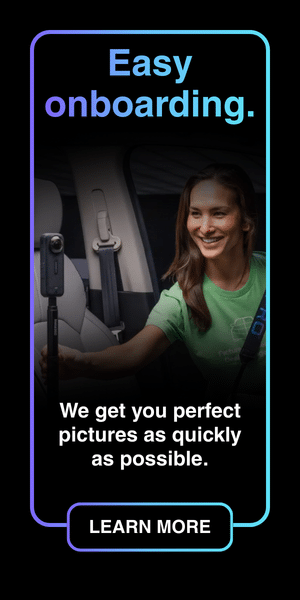

Photo Assistant™ is Dealer Image Pro’s guided vehicle capture tool, designed to help dealership teams create professional, consistent inventory media with speed and confidence. Working seamlessly with Autoport®, it transforms vehicle photography into the first step of a complete vehicle merchandising workflow.
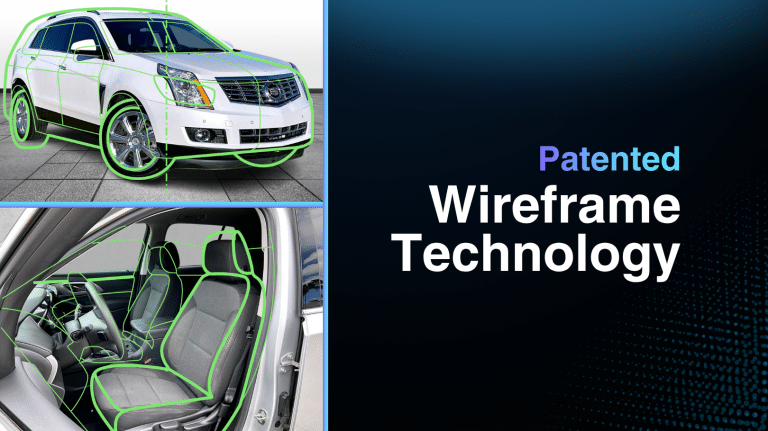
Photo Assistant™ guides photographers through every required shot with intelligent on-screen wireframe guidance. Once capture is complete, media flows automatically into Autoport®, where it’s enhanced, organized, quality checked, and prepared for publication.
Capture your vehicles.
Upload your content.
Print your window stickers.
We’ll take it from there.
There are no long-term contracts, and every Photo Assistant™ feature is included in one simple monthly subscription.
Guided Capture That Anyone Can Master
Great merchandising starts with consistent photography. Photo Assistant™ uses intelligent on-screen wireframes to guide photographers through every required shot, eliminating guesswork and making it easy for new or experienced team members to capture every vehicle to the same professional standard.
The result is a consistent online showroom with polished Vehicle Detail Pages (VDPs) and Search Results Pages (SRPs) that build buyer confidence before customers ever step into your dealership.
Photo Assistant™ supports virtually every inventory type, including passenger vehicles, heavy-duty trucks, vans, motorcycles, powersports, RVs, and boats.
Built for the Way Dealerships Work
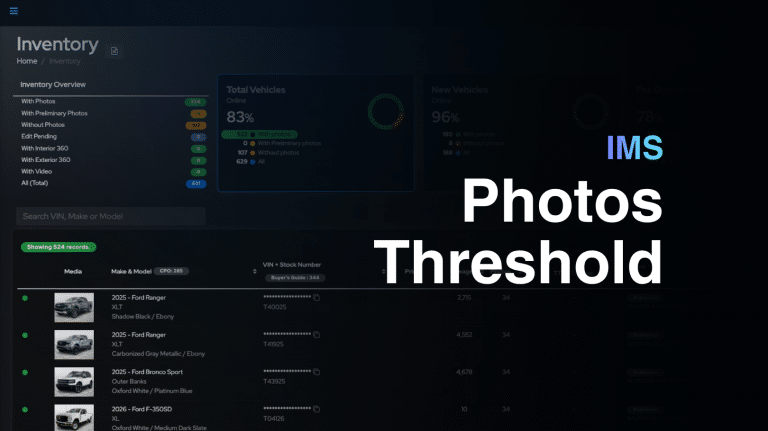
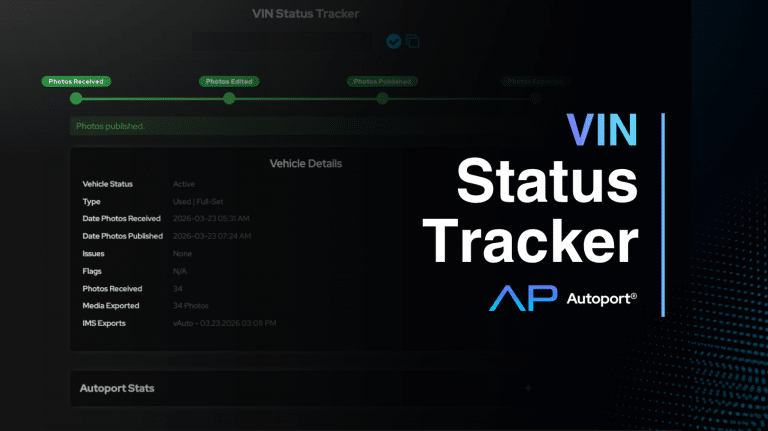
Photo Assistant™ keeps your team organized throughout the day with live inventory lists, VIN tracking, reshoot support, and customizable photo thresholds. Instead of deciding what to photograph next, photographers always know which vehicle needs attention and where it stands in the merchandising process.
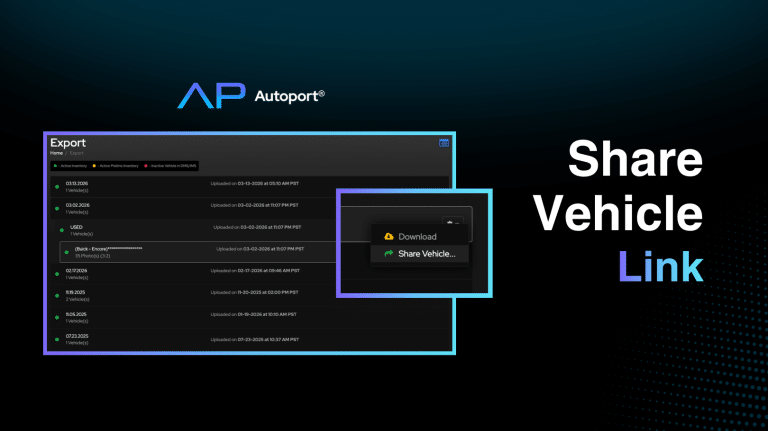
Automatic uploads send photos, videos, and 360° content directly to Autoport®, reducing manual work and helping inventory move from the lot to your website faster.
Support for compatible 360° cameras, including Insta360 and RICOH, makes it easy to create immersive vehicle experiences without adding complexity to your workflow.
From Capture to Publication—Automatically
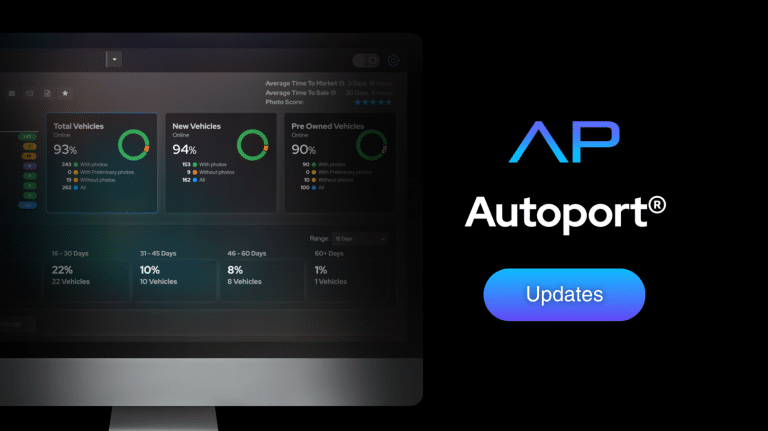
Every vehicle captured with Photo Assistant™ automatically enters the Dealer Image Pro merchandising workflow through Autoport®.
Once uploaded, your media is automatically:
- Enhanced with AI
- Sequenced into the ideal viewing order
- Optimized for dealership websites and third-party marketplaces
- Quality checked for consistency
- Published to your inventory management system for syndication
Your team captures the vehicle once. Dealer Image Pro handles the rest.
Smarter Merchandising, Built In
Photo Assistant™ works seamlessly with the rest of the Dealer Image Pro merchandising platform, giving dealerships everything they need to create engaging, professional inventory listings.
- Window Stickers
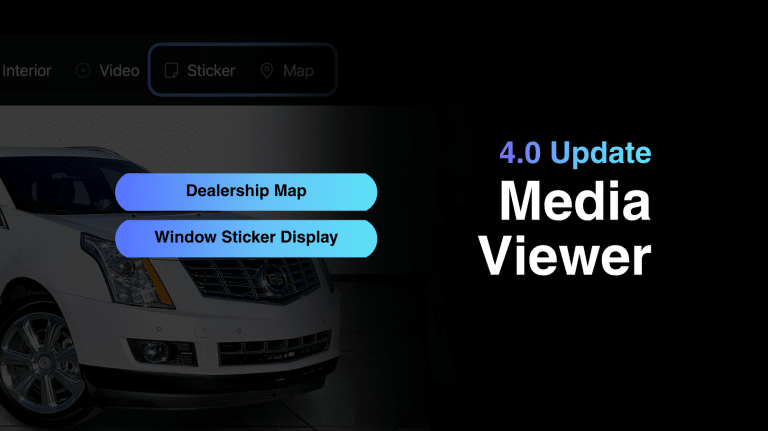
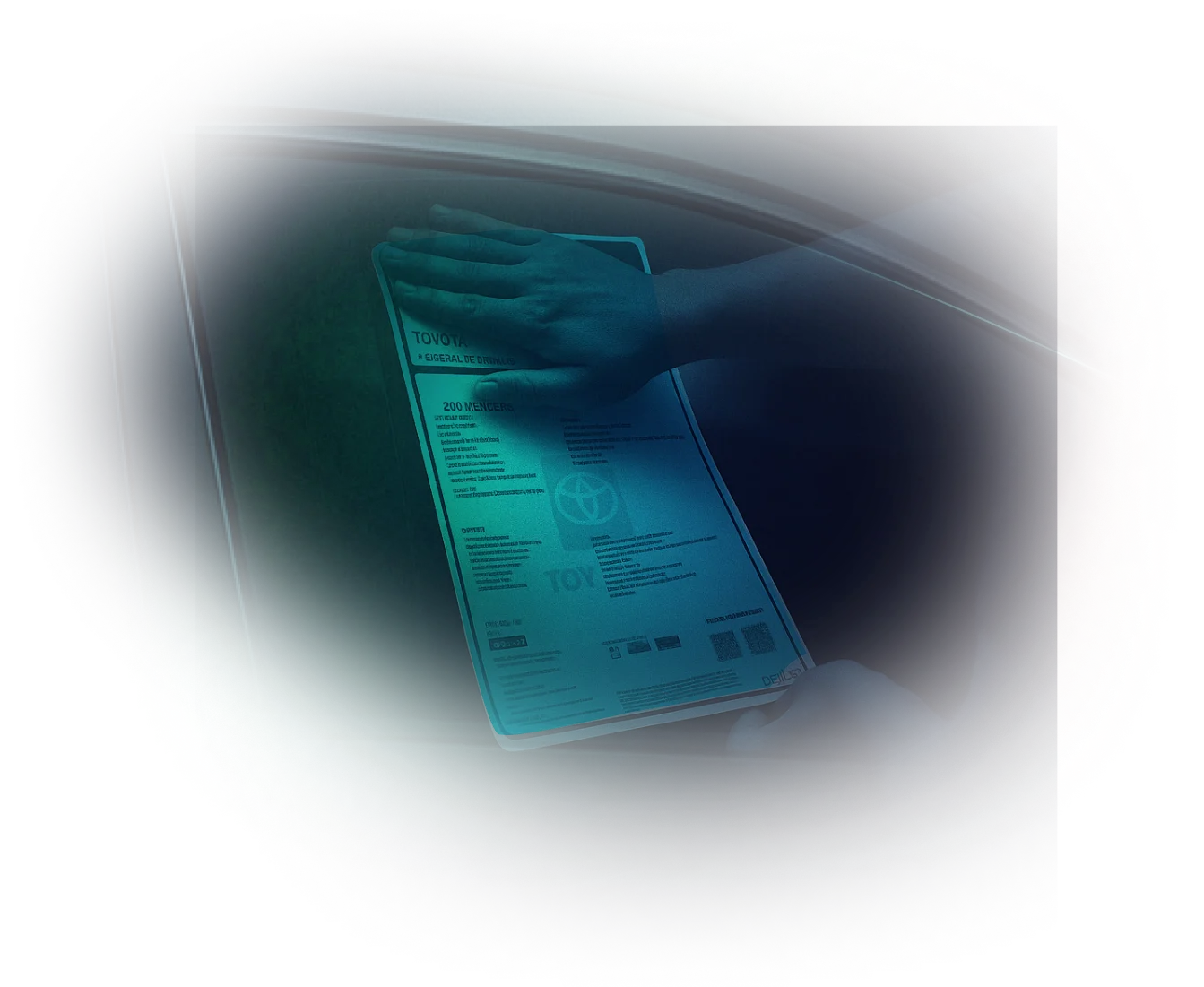
Print premium, weatherproof window stickers and buyer’s guides directly from captured inventory. Each sticker can include VIN-decoded equipment, fuel economy information, pricing, CARFAX® integration, and a QR code that takes shoppers directly to the vehicle’s online listing. (Window sticker printing materials sold separately.)
- VDS Cloning
Photograph a new vehicle once, and Photo Assistant™ identifies matching inventory by trim level and color. Approved photo sets can be reused across similar vehicles, helping dealerships merchandise new inventory faster while maintaining consistency.
Designed Around the Customer Experience
Today’s shoppers expect more than a gallery of photos—they expect confidence.
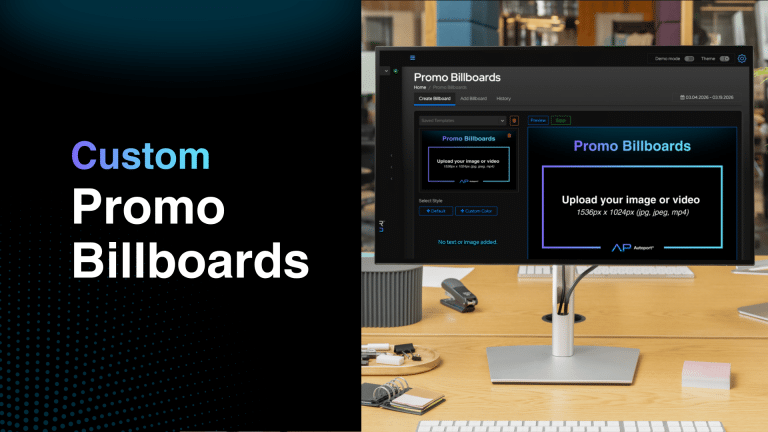
Dealer Image Pro brings every merchandising asset together in one seamless experience. High-resolution photography, videos, 360° views, window stickers, and promotional content work together to help shoppers explore every vehicle with clarity and confidence.
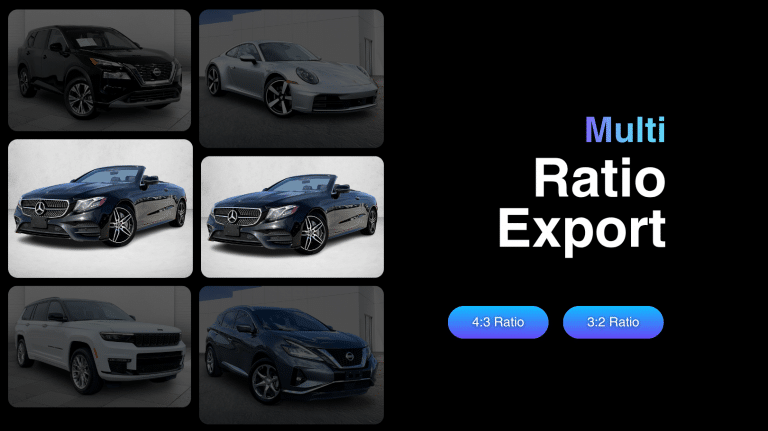
Unlike traditional photo feeds that compress images, Dealer Image Pro delivers sharp, full-resolution vehicle photography directly from Autoport®, creating a premium viewing experience that keeps buyers engaged and informed.
When customers can clearly see the vehicle and quickly access the information they need, they’re more confident in their buying decisions—and more likely to take the next step.
Capture with Confidence. Merchandise Without Compromise.
Photo Assistant™ is more than a vehicle capture tool. It’s the foundation of Dealer Image Pro’s complete vehicle merchandising platform.
By combining guided capture with Autoport®’s automated processing, publishing, and merchandising tools, dealerships can streamline operations, maintain a consistent online presence, and bring inventory to market faster.
From the first photo to the final listing, Photo Assistant™ helps your team merchandise every vehicle with confidence.