On this page:


What Photo Assistant™ Does
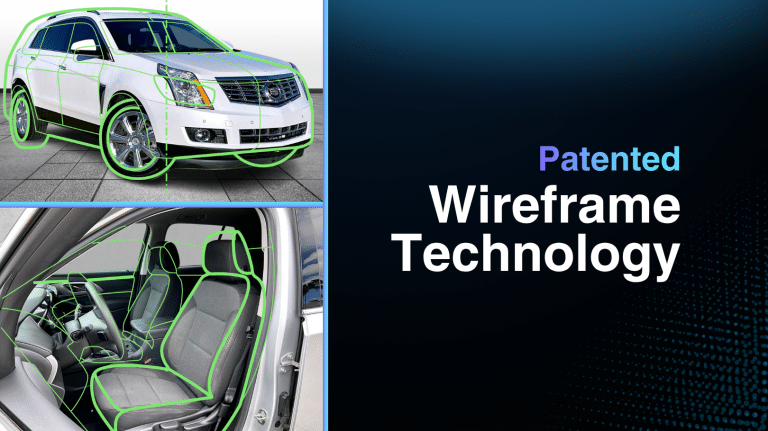
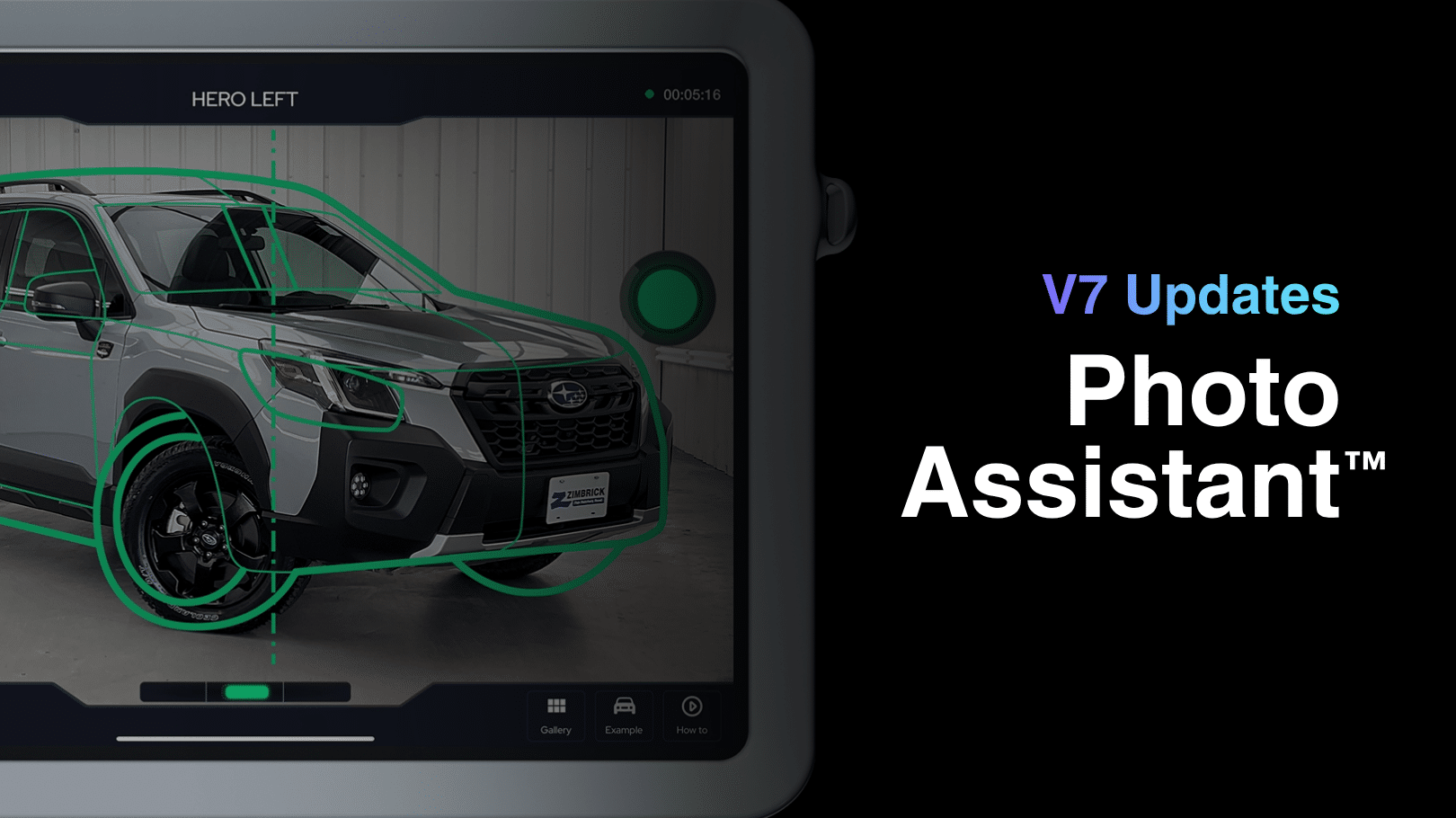
Photo Assistant™ guides dealership staff through the vehicle capture process with step-by-step, on-screen wireframe guidance that shows exactly which shot to capture next. This helps dealerships create more consistent inventory photos while reducing training time and speeding up the capture process.
Once content is captured, everything moves through Autoport®, where photos and merchandising assets are automatically edited, sequenced, optimized, quality-checked, and published. The result is a faster, more consistent merchandising workflow that helps dealerships get vehicles online quickly and correctly.
This page is your central hub for all Photo Assistant™ updates, feature releases, improvements, and workflow enhancements.
Insta360 X4 Air support:
Photo Assistant V7.1.1 supports Insta360 X4 Air, extending compatibility for teams using the latest 360 capture setup in active dealership workflows.
New Insta360 SDK:
V7.1.1 introduces an updated Insta360 SDK focused on resolving known bugs and improving connection stability between Photo Assistant and supported cameras.
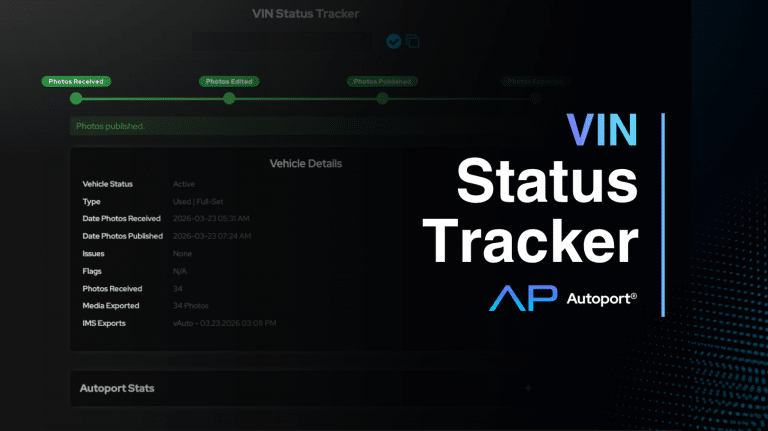
VIN Tracker:
VIN Tracker gives photographers a straightforward way to track vehicle progress so they can quickly respond when dealers ask where their photos are.
Autosync Uploads:
Autosync automatically uploads vehicles as soon as a session is completed.
Recover Stalled Uploads Instantly:
A new pull-to-refresh feature allows users to quickly restart stalled uploads directly from the queue.
Expanded Camera Support: Insta360 X5:
Photo Assistant now supports the Insta360 X5, expanding compatibility with the latest 360 capture hardware.
Reshoot Vehicles Without Rebuilding Sessions:
Archived vehicles can now be reopened and reshot without starting from scratch.
CarData Invoicing for LSPs:
New invoicing tools for lot service providers using CarData integrations streamline billing operations.
This update is built to keep your operations moving, reducing friction from capture to upload. If any issues arise, please reach out to support.
Photo Thresholds:
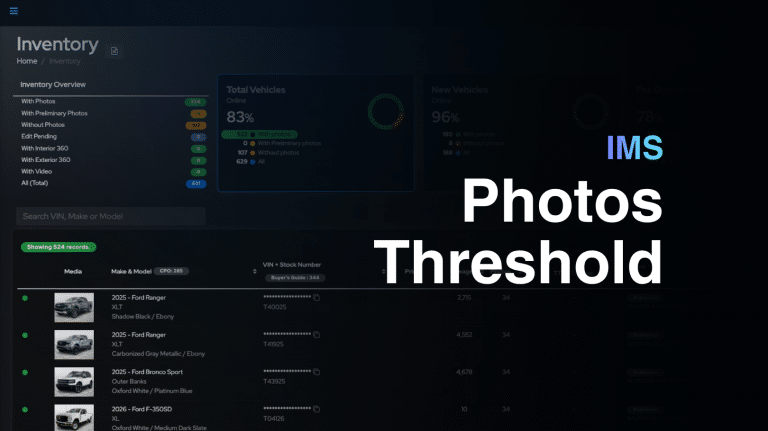
Dealers now have the power to choose their preferred photo thresholds instead of relying on the default counts of 9 photos for new vehicles and 16 photos for used vehicles.
French Language Support:
French localization makes the platform more accessible for bilingual teams and supports expansion into French-speaking regions.